3D Rendering
Enhance D5 Render Output with AI
The Challenge
D5 Render offers impressive real-time ray tracing with a generous free tier, making it increasingly popular among cost-conscious archviz studios. Its RTX-powered global illumination delivers great results—but like all real-time renderers, D5 output can lack the fine texture detail, vegetation sharpness, and resolution needed for professional portfolio work and large-format deliverables.
How vaethat Enhances Your Renders
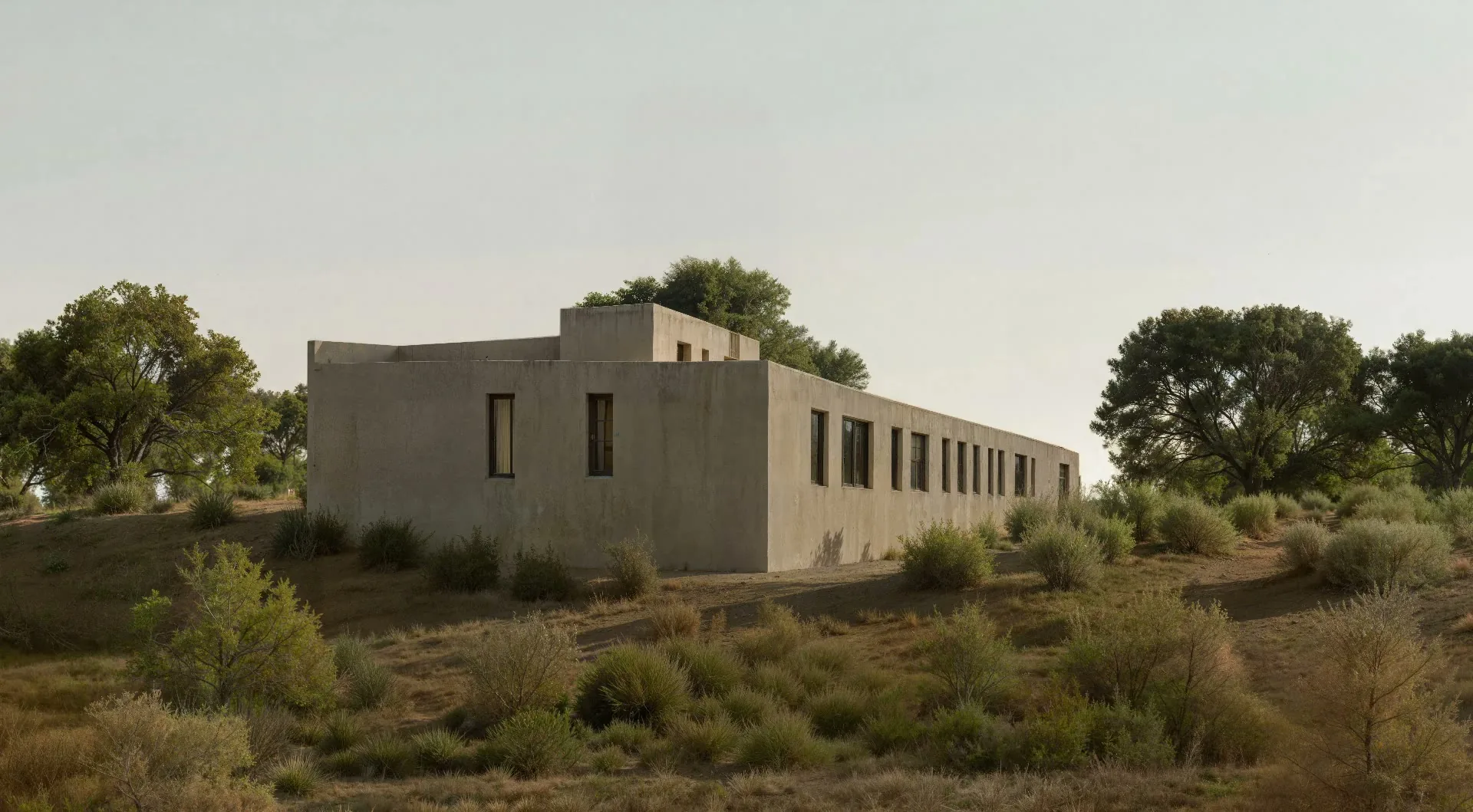
vaethat is the AI enhancer that elevates D5 Render output to professional quality. Upload your D5 render, choose 2x or 4x, and vaethat adds photorealistic detail, sharpens materials and vegetation, and upscales resolution—all while preserving D5's accurate ray-traced lighting. No prompts, no sliders, no re-rendering.
See how our AI render enhancer works →See vaethat in action

Why Choose vaethat
General AI enhancers don't understand real-time ray tracing characteristics. They over-sharpen D5's rendering style, creating artifacts that complicate Photoshop post-production. vaethat is trained specifically on architectural visualization and produces natural, compositing-ready results. The multi-image workspace lets you enhance complete project sets in one session.
D5 Render gives you quality ray tracing without expensive subscriptions. vaethat gives you the final quality push to compete with studios using premium offline renderers—together, they're the most affordable path to professional archviz.
How It Works
Upload your image
Drop any render or AI-generated image into vaethat.
Choose 2x or 4x
One mode works for every render, so the size is the only choice. No prompts, no sliders.
Why vaethat for D5 Render
D5 Render outputs can be upscaled and enhanced with vaethat AI processing to achieve portfolio-ready images. The combination provides an affordable path to professional-quality architectural visualizations that compete with more expensive rendering solutions.
Frequently Asked Questions
How do I enhance D5 Render renders with AI?
Export your D5 Render image and upload to vaethat. Our AI enhances ray-traced details and improves overall quality.
Can I improve D5 Render images without re-rendering?
Yes. vaethat AI enhances your existing D5 Render outputs instantly, improving quality without additional render time.
What D5 Render export settings work best for AI enhancement?
Export at your standard resolution as PNG. vaethat AI handles upscaling and detail enhancement automatically.
How does vaethat work with D5 Render?
vaethat elevates D5 Render outputs to professional quality. Upload your render and get enhanced results that compete with expensive solutions.
Related Tools
V-Ray
3D Rendering
Industry-standard rendering engine for photorealistic visualization
Global illumination, GPU + CPU rendering, Denoising, Distributed rendering, VR support, Cloud rendering
Corona Renderer
3D Rendering
Unbiased photorealistic renderer known for ease of use
Unbiased rendering, Interactive rendering, LightMix, Denoising, Scatter tool, Corona Proxy
Lumion
3D Rendering
Real-time 3D architectural visualization software
Real-time rendering, LiveSync, Massive asset library, Animation tools, VR mode, Photo mode