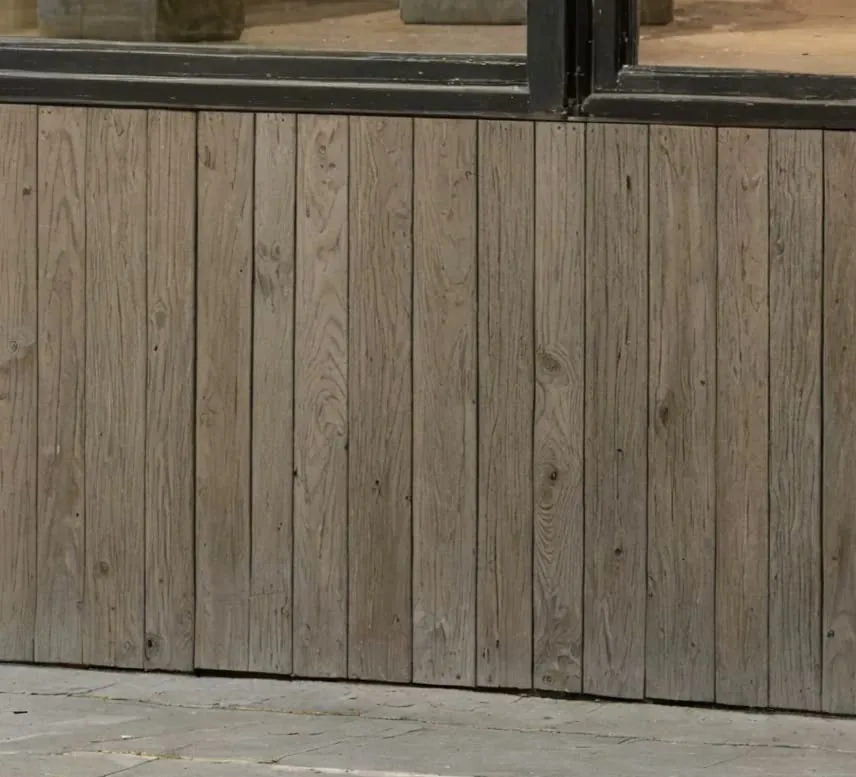
All your renders enhancement
Work on multiple renders simultaneously on an infinite canvas. Organize entire archviz projects visually.
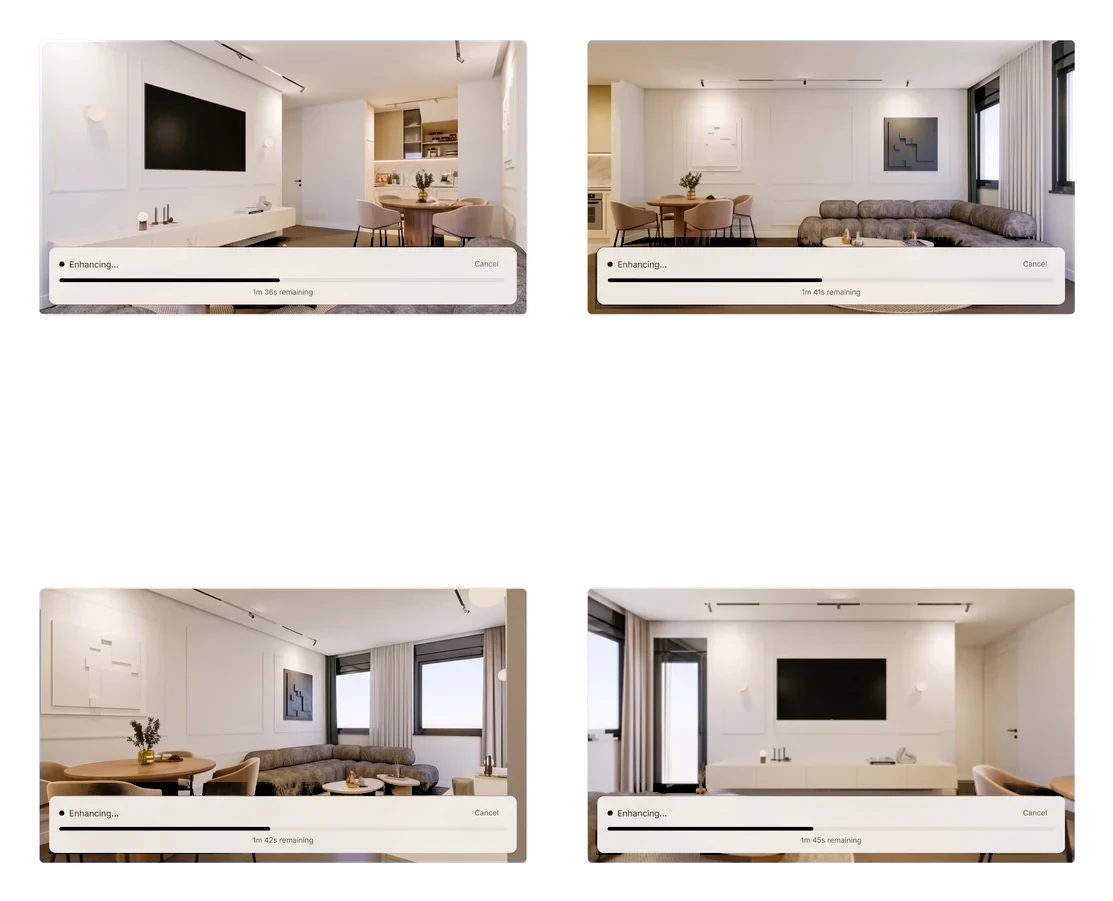
From low-res 3D render to 4K presentation, in one click. Up to 64 megapixels. Crisp materials, accurate light, design untouched. No prompts. No Photoshop.
AI upscaling for 3D workflows, denoising and photorealistic post-production. Seamlessly enhances your renders without altering your original materials.


An AI built for how an architecture studio actually works, not for wedding photographers.
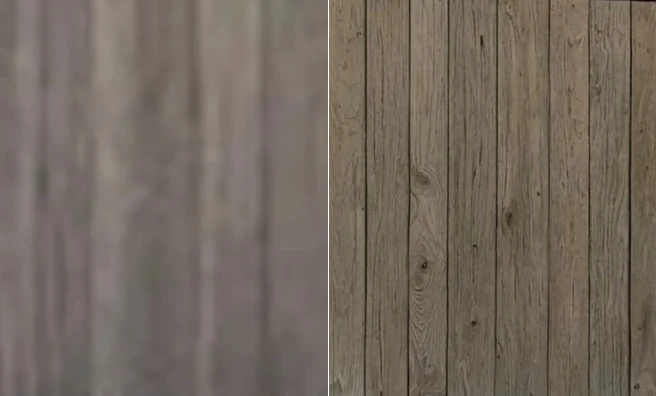
Magnific and Topaz over-sharpen your 3D renders and break your design: they add invented detail, alter materials and shift the composition. vaethat is an AI render enhancer built for architecture. It keeps your design intact and delivers concrete, glass, vegetation and wood as real archviz materials.
Drop a low-res render and get a clean 4x upscale in one click. No hallucinations, no invented geometry, no windows appearing where you never drew them.
Export in preview mode and let the AI upscaler do the heavy lifting: sharp 4K outputs up to 64MP, ready for presentation. Save hours of GPU time on every project.
Enhance adds textures and details and keeps your design, on every render. No prompts, no sliders, no learning curve.
Up to 64 megapixels. No learning curve, no tutorials, no Photoshop.
Work on multiple renders simultaneously on an infinite canvas. Organize entire archviz projects visually.
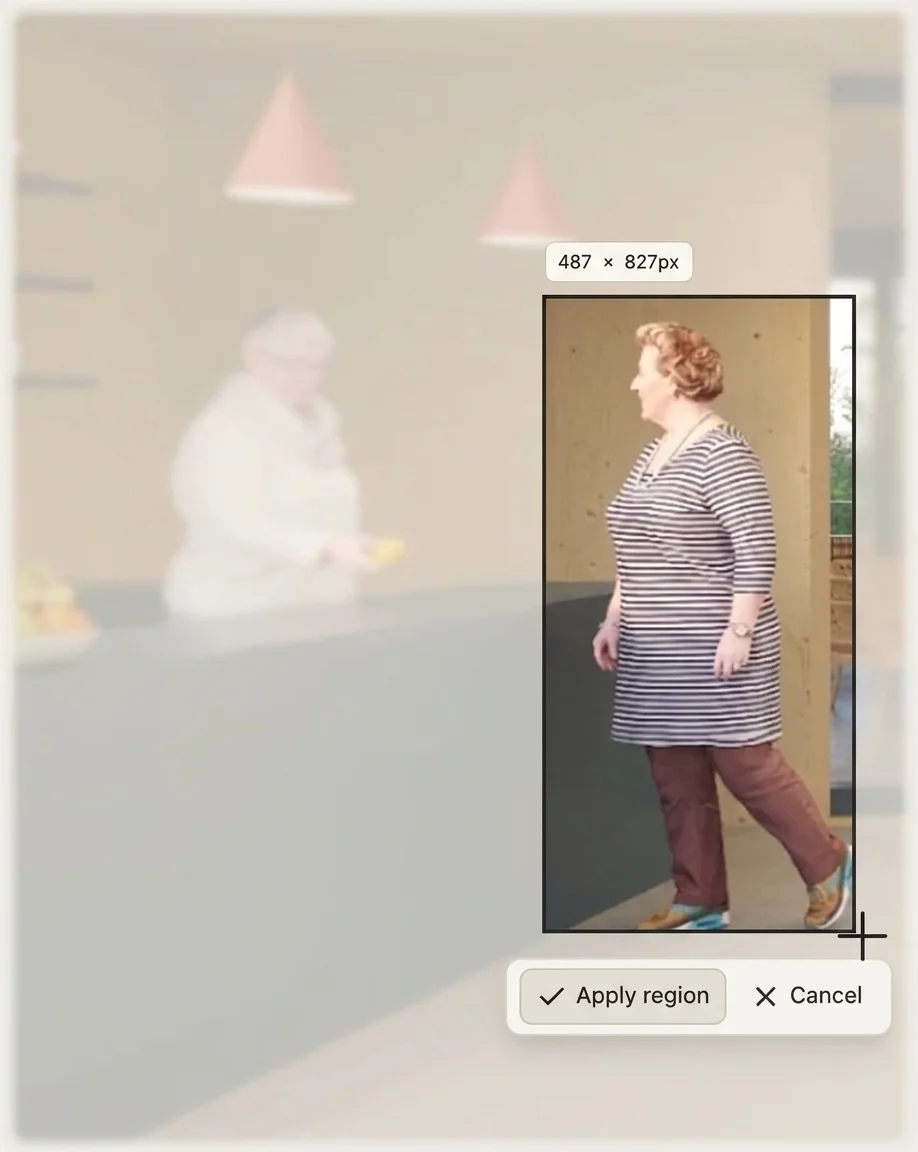
The Enhance menu sits under your renders: the whole image, a region, or the people. People handles the figures in the scene, foreground or background, so faces and clothing hold up as well as the concrete and glass.

Draw a selection on any render to enhance just that area, perfect for refining a focal point without re-processing the whole image. Compare before/after and download a clean 4K result.
Download any result as a layered .psd, your original render included as the base layer, ready to mask and blend in Photoshop or Affinity. A region comes back as its own layer over the original.
Three steps from preview-mode render to presentation image.
Drag in a JPG or PNG exported from V-Ray, Lumion, D5 Render, Corona or any 3D software. No plugins and no scene files: the enhancer works on the exported image.
The whole image, a region you draw, or the people in the scene, foreground or background. No prompts and no sliders.
A clean result in seconds, ready for clients, competitions and print.
vaethat enhances the exported image, not the scene, so it fits any pipeline. Render in V-Ray, Corona, Lumion, D5 Render, Twinmotion, SketchUp, 3ds Max or Blender, export a JPG or PNG, and upscale to 4K without changing how your studio works.
The moments in a project where a clean upscale saves hours of GPU or Photoshop time.
One pass before delivery lifts the whole image: sharper materials, cleaner light and vegetation that reads as real. Same design, better render.
Sharper materials and cleaner light make the design easier to read in the room. One pass before the meeting, no re-rendering.
Competition panels and large-format print need resolution a normal render pass rarely delivers. Up to 64 megapixels, with detail that holds at any viewing distance.
Enhance the images you already have without reopening old scene files, even from software you no longer use.
An AI render enhancer uses machine learning to upscale and refine 3D architectural renders: sharpening materials, recovering detail and producing 4K outputs from preview-mode images in seconds, without manual post-production in Photoshop.
Yes. vaethat is a one-click 4x upscaler built for archviz: drop a low-res preview-mode render and get a clean 4K result in seconds, with materials, lighting and geometry preserved.
Krea is a general creative AI suite where upscaling is one feature among many. vaethat is a dedicated archviz upscaler: one click, no prompts, and tuned specifically for V-Ray, Corona, Lumion, D5 and Twinmotion outputs so your design intent stays intact.
vaethat works with renders from V-Ray, Corona, Lumion, D5 Render, Twinmotion, 3ds Max, SketchUp and Blender. Export a JPG or PNG and upload. There is no plugin to install.
No. vaethat is built specifically for archviz and preserves your design intent: geometry, materials, lighting and composition stay intact. It enhances clarity and resolution rather than reimagining the scene the way prompt-based tools do.
The Basic plan enhances up to 4K. Higher monthly plans support up to 64MP outputs, suitable for client presentations, competitions and large-format print.
Most renders finish in under a minute. Larger 4K outputs may take a few minutes depending on file size and selected mode.
We don't offer a free trial. The Basic plan starts at €12/month for 200 credits (up to 4K), or pick a higher monthly plan for more volume.
Magnific is a manual, prompt-driven tool that often reinvents details and can break design intent. Topaz is general-purpose photo software not tuned for archviz. vaethat is one-click, prompt-free and built specifically for architectural visualization workflows: predictable results every time.
You can upload renders up to 50MB. For very large files, export at a slightly lower resolution and let the AI render enhancer upscale to your target 4K size.
Yes. The Enhancement Studio supports a multi-image canvas so you can queue and process several renders in parallel, ideal for full project deliveries.
Your images are not used to train AI models. Renders are processed only to deliver your enhancement and handled with strict privacy standards.