3D Modeling
Blender AI Enhancer for Archviz
The Challenge
Blender is the free, open-source powerhouse that has earned its place in professional archviz. With Cycles for path-traced realism, EEVEE for real-time preview, and optional V-Ray integration, Blender delivers impressive results—but renders can still come out with noise in Cycles, soft textures in EEVEE, and resolution limitations for professional deliverables.
How vaethat Enhances Your Renders
vaethat is the AI enhancer that elevates Blender renders to studio-quality output. Upload your Cycles, EEVEE, or V-Ray render, choose 2x or 4x, and vaethat adds photorealistic detail, sharpens textures, and upscales resolution—preserving your exact lighting and material setup. No prompts, no sliders, no re-rendering.
See how our AI render enhancer works →See vaethat in action

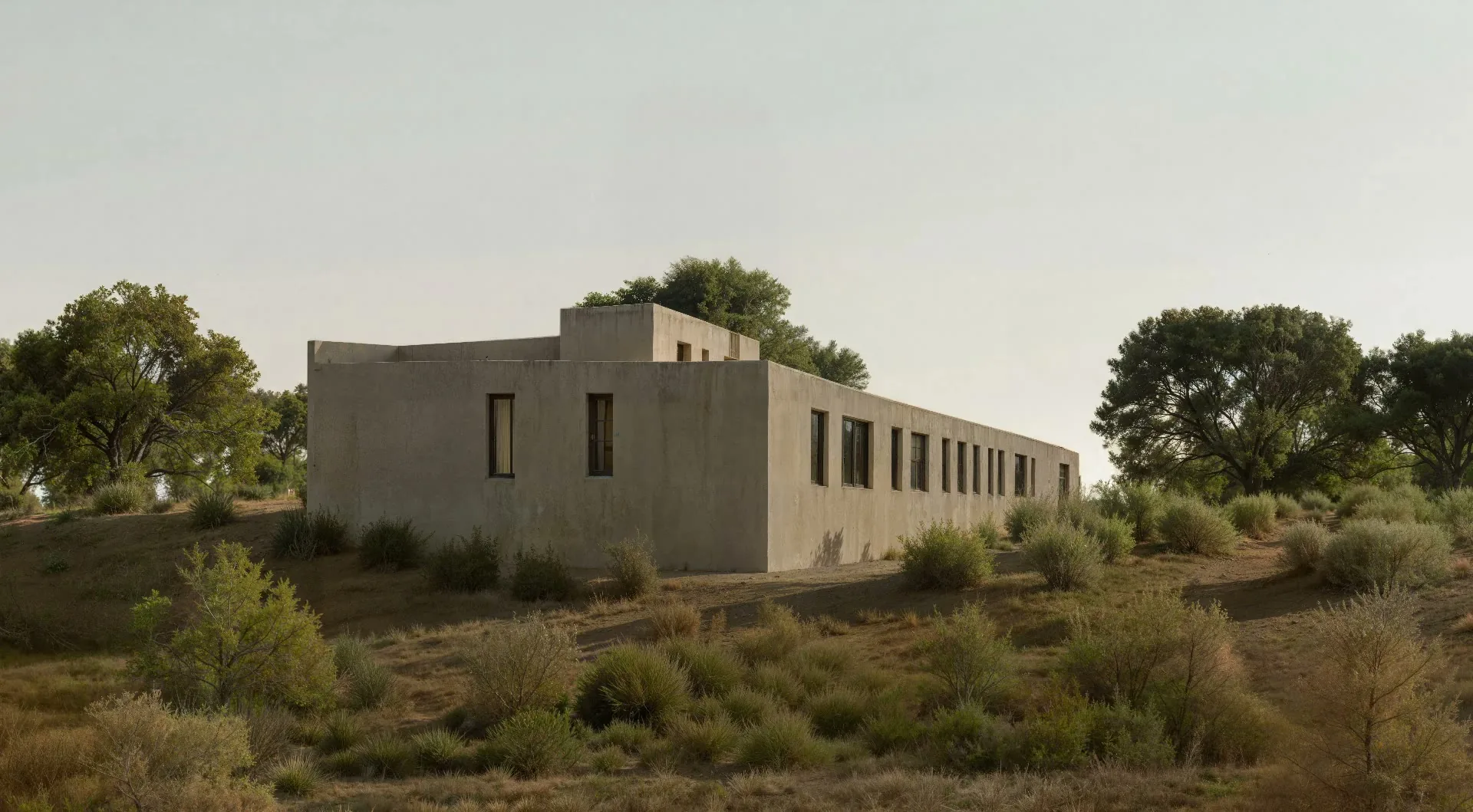
Why Choose vaethat
General AI upscalers don't differentiate between photography and 3D renders. They over-sharpen Blender output, alter materials, and produce unnatural results that fight your post-production workflow. vaethat is purpose-built for archviz and produces natural, Photoshop-ready images that composite seamlessly into professional delivery.
Blender eliminates software costs. vaethat eliminates the quality gap between free tools and expensive rendering setups—together, they give independent artists and small studios a path to professional archviz without premium software subscriptions.
How It Works
Upload your image
Drop any render or AI-generated image into vaethat.
Choose 2x or 4x
One mode works for every render, so the size is the only choice. No prompts, no sliders.
Why vaethat for Blender
Blender renders from Cycles, EEVEE, or compatible engines can be enhanced with vaethat AI processing to achieve professional-quality visualization without commercial rendering costs.
Frequently Asked Questions
How do I enhance Blender renders with AI?
Export your Blender render and upload to vaethat. Our AI enhances Cycles and EEVEE outputs.
Can I improve Blender images without re-rendering?
Yes. vaethat AI enhances your existing Blender renders instantly.
What Blender export settings work best for AI enhancement?
Export as PNG at your standard resolution. vaethat handles enhancement.
How does vaethat work with Blender?
vaethat enhances Blender renders to professional quality. Upload and get polished results.
Related Tools
SketchUp
3D Modeling
Intuitive 3D modeling for architecture and design
Push-pull modeling, 3D Warehouse, Extension ecosystem, Layout for documentation, Web and desktop versions, VR viewing
Autodesk Revit
3D Modeling
Industry-standard BIM software for architecture
Parametric BIM, Documentation, Collaboration, Analysis tools, Families system, Cloud worksharing
Autodesk 3ds Max
3D Modeling
Professional 3D modeling and rendering software
Advanced modeling, Modifier stack, Multiple renderers, Animation, MAXScript, Arnold integration