3D Modeling
3ds Max AI Enhancer for Archviz
The Challenge
Autodesk 3ds Max is the backbone of professional archviz studios, supporting V-Ray, Corona, Arnold, and other top renderers. Studios producing high-end architectural imagery rely on 3ds Max for precise modeling and flexible rendering—but even with premium render engines, final output can have noise in complex lighting, soft vegetation and fabric textures, and resolution limitations for large-format deliverables.
How vaethat Enhances Your Renders
vaethat is the AI enhancer built for 3ds Max professionals. Upload your render from any compatible engine, choose 2x or 4x, and vaethat refines textures, eliminates subtle noise, and upscales resolution—all while preserving the exact lighting, materials, and composition your studio crafted. No prompts, no sliders, no additional render passes.
See how our AI render enhancer works →See vaethat in action
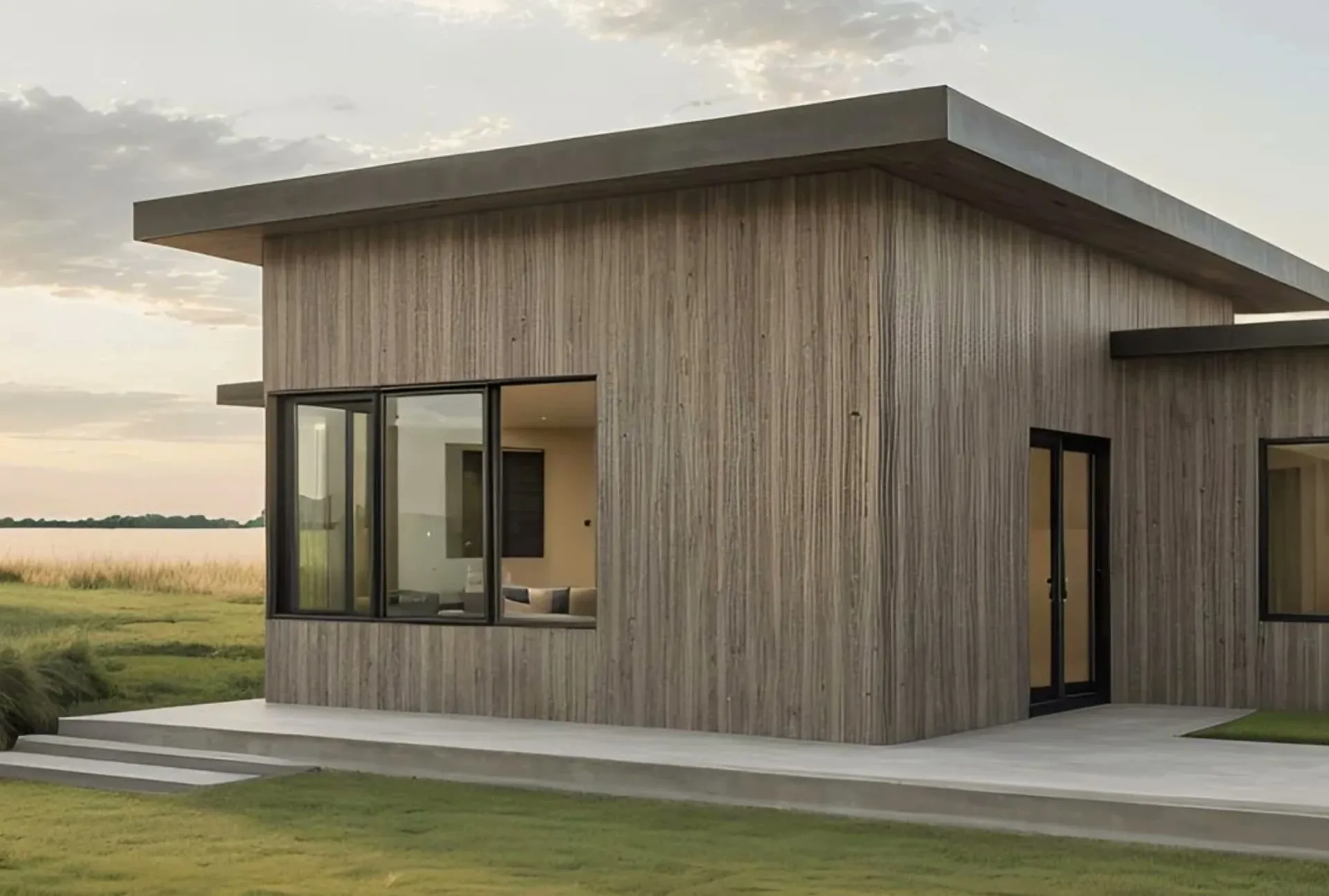
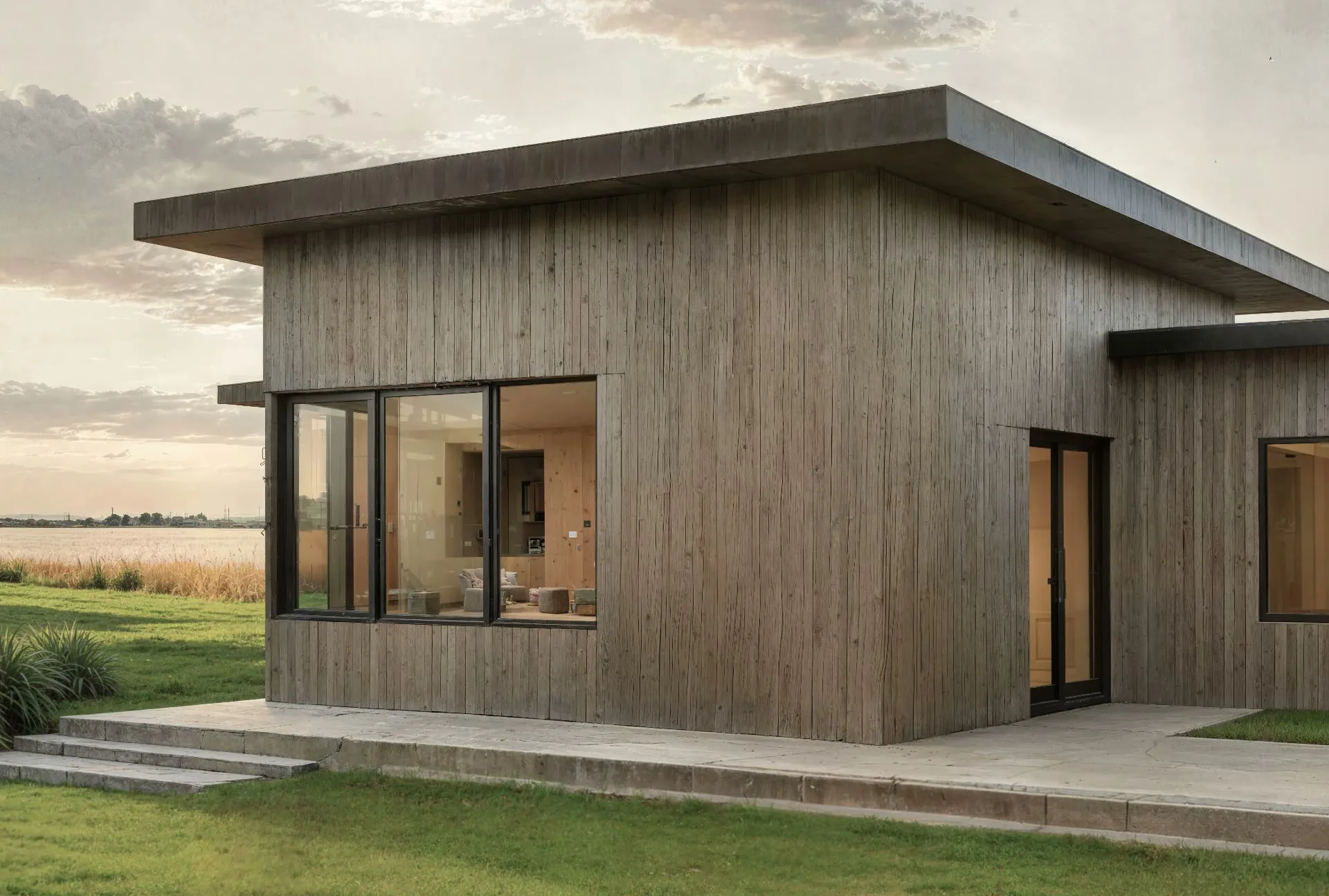
Why Choose vaethat
General AI enhancers like Topaz or Magnific don't understand professional archviz output. They over-sharpen V-Ray and Corona renders, alter carefully crafted materials, and produce results that require extensive Photoshop correction. vaethat is trained specifically on architectural visualization and produces natural output ready for compositing and final delivery.
3ds Max studios already invest heavily in modeling and rendering quality. vaethat is the final step—turning excellent renders into exceptional deliverables without re-rendering, additional hardware, or manual post-production sharpening.
How It Works
Upload your image
Drop any render or AI-generated image into vaethat.
Choose 2x or 4x
One mode works for every render, so the size is the only choice. No prompts, no sliders.
Why vaethat for Autodesk 3ds Max
3ds Max renders from any compatible engine can be enhanced with vaethat AI processing for final delivery, adding fine detail and improved realism that meets the highest standards of professional architectural visualization.
Frequently Asked Questions
How do I enhance 3ds Max renders with AI?
Export your 3ds Max render and upload to vaethat. Our AI enhances quality from any renderer.
Can I improve 3ds Max images without re-rendering?
Yes. vaethat AI enhances your existing 3ds Max renders instantly.
What 3ds Max export settings work best for AI enhancement?
Export as PNG or TIFF at your production resolution. vaethat handles enhancement.
How does vaethat work with 3ds Max?
vaethat enhances 3ds Max renders from V-Ray, Corona, or any renderer. Upload for professional results.
Related Tools
SketchUp
3D Modeling
Intuitive 3D modeling for architecture and design
Push-pull modeling, 3D Warehouse, Extension ecosystem, Layout for documentation, Web and desktop versions, VR viewing
Autodesk Revit
3D Modeling
Industry-standard BIM software for architecture
Parametric BIM, Documentation, Collaboration, Analysis tools, Families system, Cloud worksharing
Blender
3D Modeling
Open-source 3D creation suite
Complete 3D suite, Cycles renderer, EEVEE real-time, Geometry nodes, Compositing, Animation