3D Rendering
Enhance Twinmotion Renders with AI
The Challenge
Twinmotion brings Unreal Engine's power to architecture visualization with an accessible interface and stunning Quixel Megascans assets. Its path tracer produces impressive results—but even path-traced renders can have noise in complex lighting scenarios, soft vegetation detail, and resolution limitations for large-format prints and 4K presentations.
How vaethat Enhances Your Renders
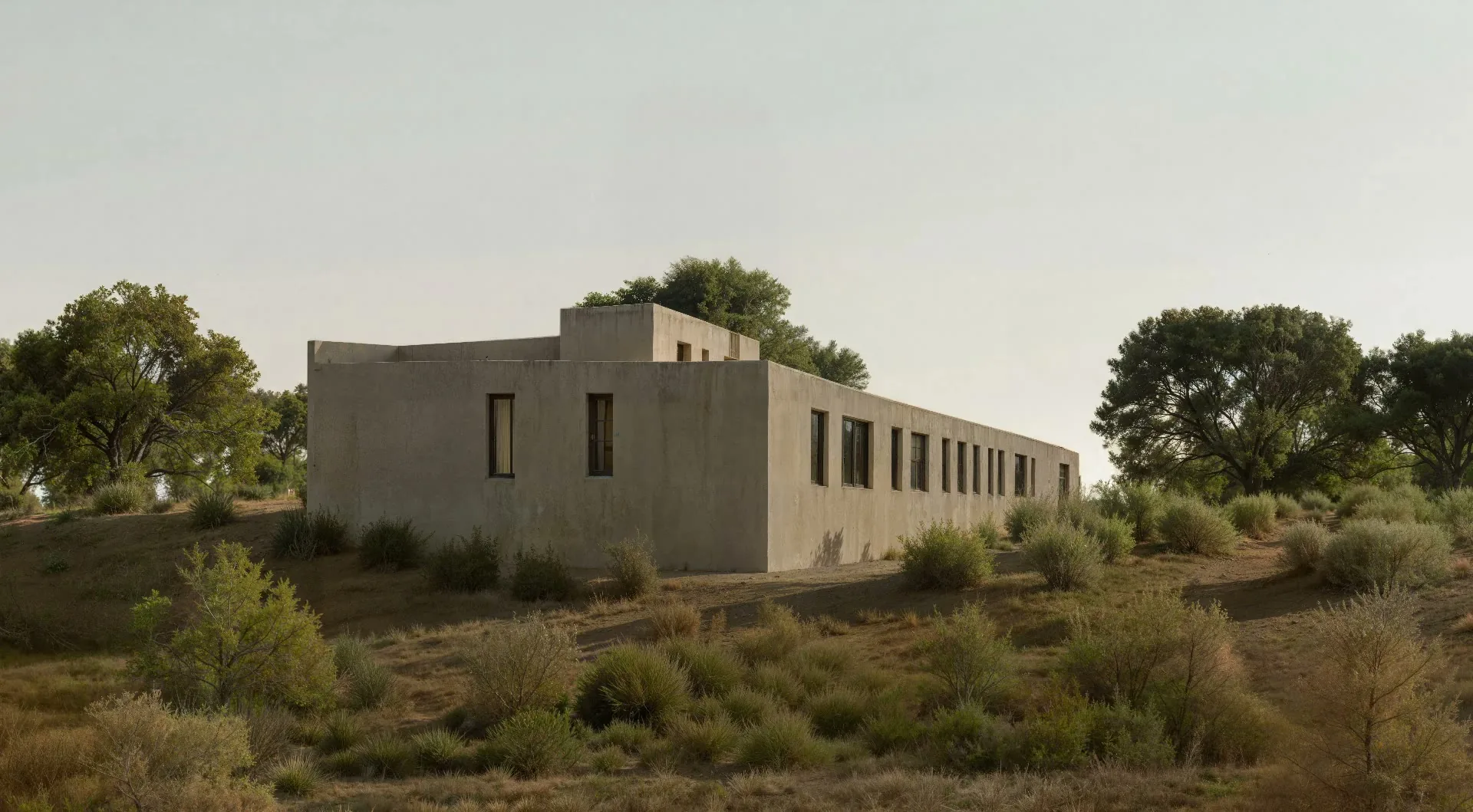
vaethat enhances Twinmotion renders to their full potential. Upload your path-traced or real-time output, choose 2x or 4x, and vaethat sharpens vegetation, refines material textures, and upscales resolution—preserving Twinmotion's Unreal Engine lighting and Megascans material accuracy exactly as you set them. No prompts, no sliders, no re-rendering.
See how our AI render enhancer works →See vaethat in action

Why Choose vaethat
General AI upscalers aren't trained on Unreal Engine output. They misinterpret Twinmotion's rendering characteristics, producing over-sharpened or altered results that don't integrate well into Photoshop post-production. vaethat is purpose-built for archviz and produces natural, compositing-ready output. The multi-image workspace lets you process entire project sets efficiently.
Get the best of both worlds—Twinmotion's speed and asset quality for your workflow, plus vaethat's AI enhancement for final deliverables that rival dedicated offline rendering pipelines.
How It Works
Upload your image
Drop any render or AI-generated image into vaethat.
Choose 2x or 4x
One mode works for every render, so the size is the only choice. No prompts, no sliders.
Why vaethat for Twinmotion
Twinmotion path-traced renders gain exceptional realism when processed through vaethat AI enhancement. The combination leverages Unreal Engine's advanced lighting with vaethat's detail enhancement to produce architectural visualizations that rival the quality of dedicated offline rendering pipelines.
Frequently Asked Questions
How do I enhance Twinmotion renders with AI?
Export your Twinmotion path-traced or real-time render and upload to vaethat. Our AI enhances details and improves overall quality.
Can I improve Twinmotion images without re-rendering?
Yes. vaethat AI works on your existing Twinmotion exports, adding detail and refinement without additional render time.
What Twinmotion export settings work best for AI enhancement?
Use Twinmotion's path tracer for best base quality, export as PNG. vaethat enhances both real-time and path-traced outputs.
How does vaethat work with Twinmotion?
vaethat enhances Twinmotion renders to achieve even higher quality. Upload your render and get refined results in seconds.
Related Tools
V-Ray
3D Rendering
Industry-standard rendering engine for photorealistic visualization
Global illumination, GPU + CPU rendering, Denoising, Distributed rendering, VR support, Cloud rendering
Corona Renderer
3D Rendering
Unbiased photorealistic renderer known for ease of use
Unbiased rendering, Interactive rendering, LightMix, Denoising, Scatter tool, Corona Proxy
Lumion
3D Rendering
Real-time 3D architectural visualization software
Real-time rendering, LiveSync, Massive asset library, Animation tools, VR mode, Photo mode