Image Editing
Affinity Photo AI Enhancer for Archviz
The Challenge
Affinity Photo is the professional image editor that delivers Photoshop-level compositing and color grading without subscription costs—making it popular among independent archviz artists and cost-conscious studios. But like Photoshop, Affinity Photo's native upscaling and sharpening tools are limited for AI-level detail enhancement on 3D renders.
How vaethat Enhances Your Renders
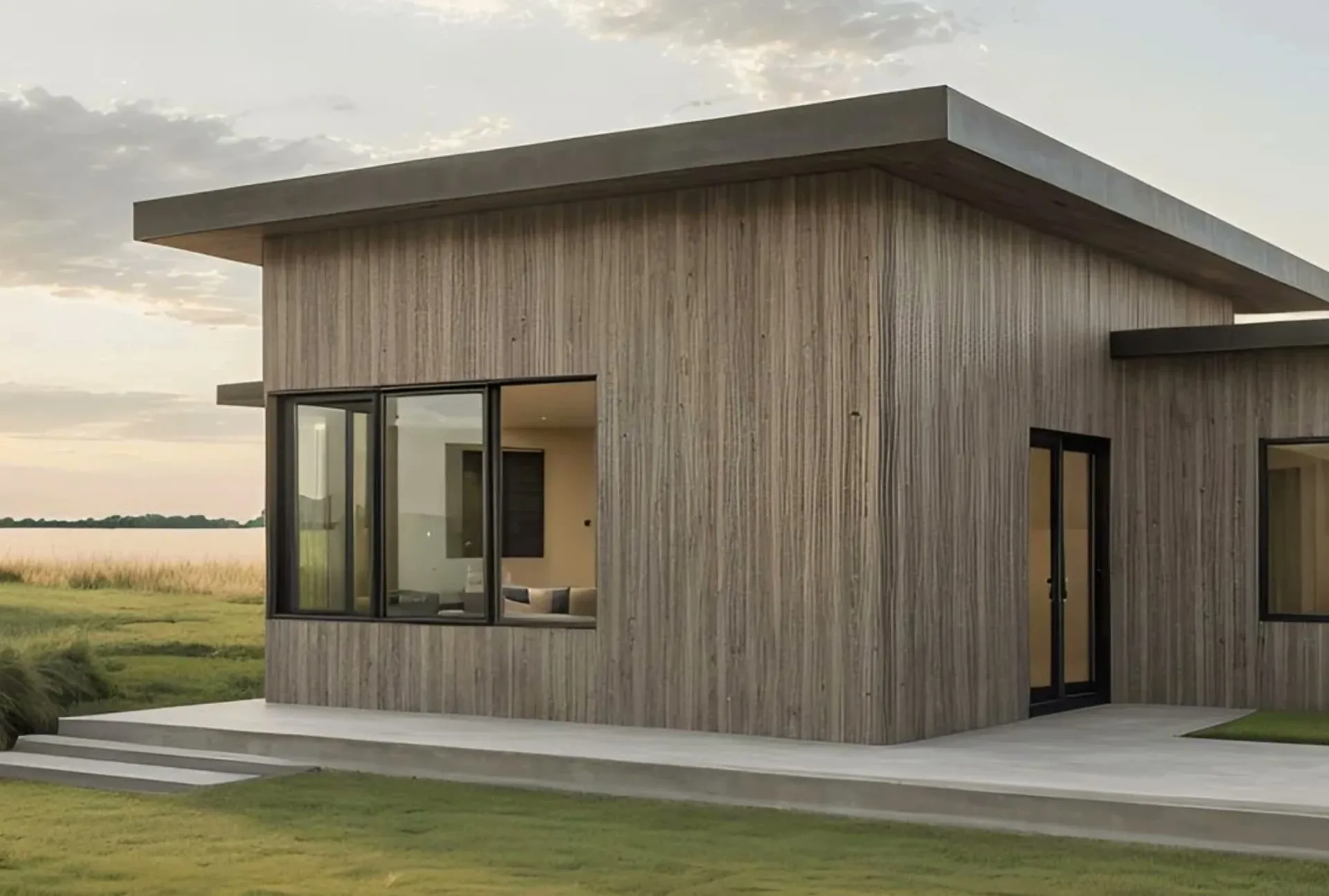
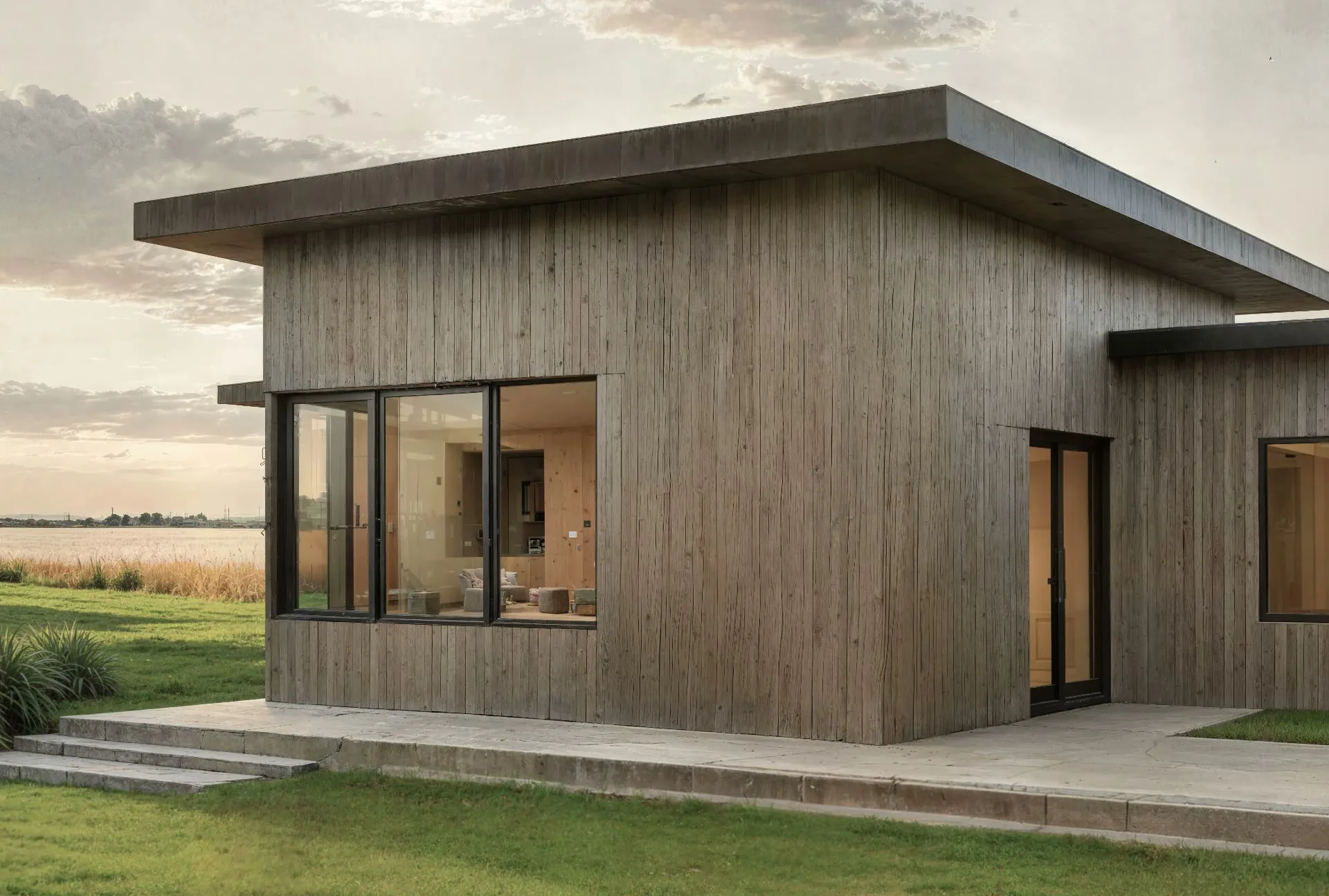
vaethat is the AI enhancement companion for Affinity Photo users. Enhance your raw render with vaethat before post-production in Affinity Photo, or enhance your final composite after editing. Upload, choose 2x or 4x, and get sharper textures, improved detail, and higher resolution—no prompts, no sliders, no subscription required.
See how our AI render enhancer works →See vaethat in action
Why Choose vaethat
General AI enhancers produce over-sharpened, unnatural results that complicate layer-based workflows. vaethat is trained on archviz imagery and produces natural output that integrates seamlessly with Affinity Photo's non-destructive adjustment layers and compositing tools. Your materials, lighting, and design intent stay exactly as rendered.
Affinity Photo eliminates subscription costs for post-production. vaethat eliminates the need for manual sharpening and expensive re-renders—together, they provide a complete, affordable post-production pipeline for professional architectural visualization without any recurring software fees.
How It Works
Upload your image
Drop any render or AI-generated image into vaethat.
Choose 2x or 4x
One mode works for every render, so the size is the only choice. No prompts, no sliders.
Why vaethat for Affinity Photo
Combine Affinity Photo's professional editing with vaethat AI enhancement for a complete post-production workflow without subscription costs.
Frequently Asked Questions
How do I enhance Affinity Photo images with AI?
Use vaethat for AI enhancement before or after Affinity Photo editing.
Can I improve Affinity Photo exports without re-rendering?
Yes. vaethat AI enhances your Affinity Photo outputs, adding detail and quality.
What Affinity Photo export settings work best for AI enhancement?
Export as PNG at maximum quality. vaethat handles upscaling and enhancement.
How does vaethat work with Affinity Photo?
vaethat and Affinity Photo together provide professional post-production without subscriptions.
Related Tools
Adobe Photoshop
Image Editing
Industry-standard image editing and compositing
Layer-based editing, AI features, Compositing, Color correction, Neural filters, Cloud sync
Adobe Lightroom
Image Editing
Photo editing and management for professionals
Non-destructive editing, Presets, Batch processing, Cloud sync, Organization, Mobile editing