Image Editing
Lightroom AI Enhancer for Archviz
The Challenge
Adobe Lightroom is widely used in archviz for batch color grading, exposure adjustment, and consistent style application across project image sets. Its non-destructive editing and preset system make it efficient for processing multiple renders—but Lightroom has no AI enhancement, upscaling, or texture refinement capabilities for 3D-rendered imagery.
How vaethat Enhances Your Renders
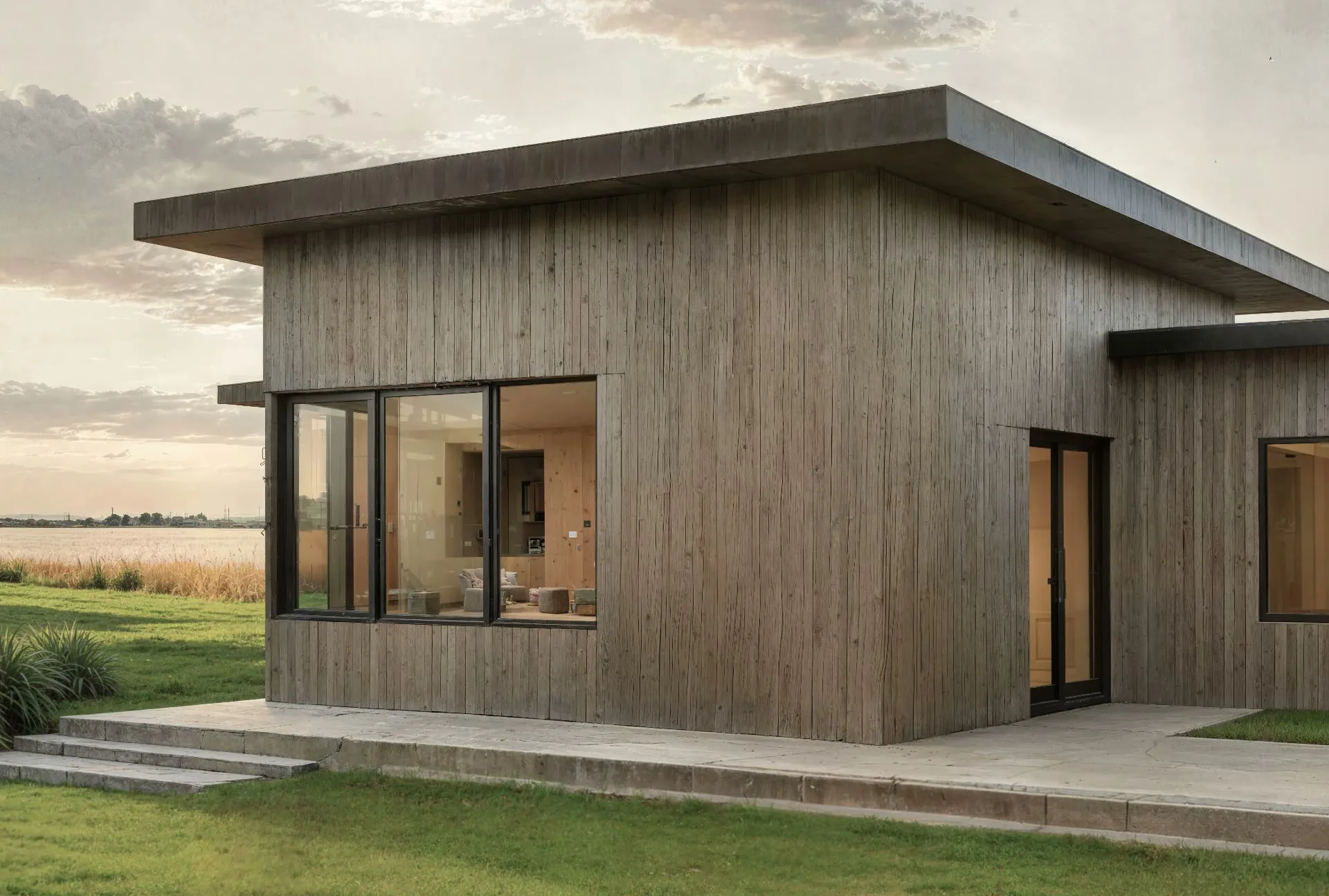
vaethat fills that gap perfectly. Enhance your renders with vaethat AI before importing into Lightroom for color grading—you'll work with sharper, more detailed base images. Or export your color-graded images from Lightroom and enhance with vaethat as the final quality step. No prompts, no sliders—just upload, choose 2x or 4x, and enhance.
See how our AI render enhancer works →See vaethat in action

Why Choose vaethat
General AI upscalers don't integrate well with batch-oriented workflows. They require per-image slider adjustments and produce inconsistent results across image sets. vaethat's single mode delivers consistent enhancement quality across all renders in a project, maintaining the visual coherence that Lightroom users rely on.
Lightroom handles efficient batch color grading and project organization. vaethat handles AI-powered detail enhancement and upscaling—together, they streamline archviz post-production for studios managing multiple projects and large image sets.
How It Works
Upload your image
Drop any render or AI-generated image into vaethat.
Choose 2x or 4x
One mode works for every render, so the size is the only choice. No prompts, no sliders.
Why vaethat for Adobe Lightroom
Combine Lightroom's efficient batch processing with vaethat AI enhancement for streamlined post-production workflows that maintain consistency across large visualization projects.
Frequently Asked Questions
How do I enhance Lightroom images with AI?
Export from Lightroom, enhance with vaethat AI, then re-import if needed.
Can I improve Lightroom exports without re-processing?
Yes. vaethat AI enhances your Lightroom outputs with additional detail.
What Lightroom export settings work best for AI enhancement?
Export as PNG or TIFF at full resolution. vaethat handles enhancement.
How does vaethat work with Lightroom?
Use Lightroom for color grading, vaethat for AI enhancement. Great combination for batch workflows.
Related Tools
Adobe Photoshop
Image Editing
Industry-standard image editing and compositing
Layer-based editing, AI features, Compositing, Color correction, Neural filters, Cloud sync
Affinity Photo
Image Editing
Professional image editing without subscription
One-time purchase, PSD compatible, HDR editing, Focus stacking, Live filters, Batch processing