What is AI Bathroom Design?
AI bathroom design refers to using artificial intelligence to enhance, refine, or generate architectural visualizations of bathroom spaces. For professionals working in archviz, this typically means taking existing 3D renders from tools like V-Ray or Lumion and using AI to improve lighting realism, material definition, and overall image quality. Unlike AI generators that create images from text prompts, professional AI enhancement preserves your original design intent — the layout, materials, and spatial relationships you carefully planned remain intact while the visual quality is elevated to photorealistic standards.


Common Challenges in Bathroom Visualization
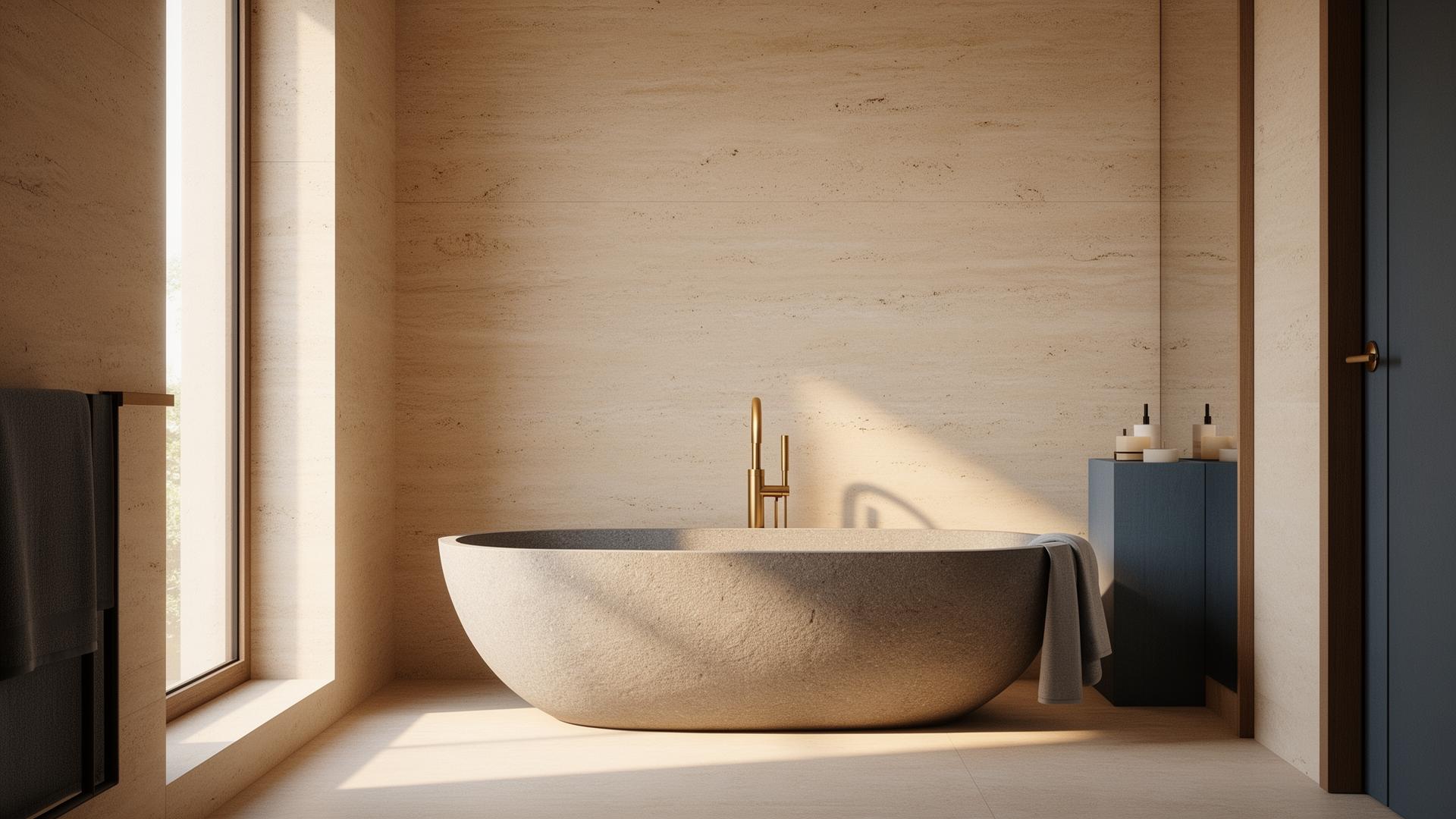
Bathroom renders present unique challenges that make them ideal candidates for AI enhancement. Reflective surfaces like mirrors, glass shower enclosures, and polished tiles require precise ray tracing that can add hours to render times. Water effects on faucets and shower fixtures need careful handling to look realistic. Small spaces with complex lighting — recessed LEDs, vanity lighting, natural light from windows — create difficult scenarios for traditional rendering engines. Many architects find themselves spending more time tweaking bathroom renders than any other room type, making AI enhancement a particularly valuable workflow optimization.
How Professionals Use AI for Bathroom Renders
The professional workflow for AI-enhanced bathroom design starts with your existing 3D model and rendering pipeline. You render your bathroom scene using your preferred software — SketchUp with V-Ray, Revit with Lumion, or any other combination. Then, instead of spending hours adjusting render settings to achieve photorealism, you run the output through an AI enhancement tool like vaethat. The AI analyzes the image, identifies areas where realism can be improved — tile reflections, water caustics, ambient occlusion, material textures — and enhances them while preserving your original design decisions. The result is a presentation-quality render that maintains your creative vision.
AI Enhancement vs. AI Generation for Bathrooms
It's important to distinguish between AI enhancement and AI generation. AI generators like Midjourney or Stable Diffusion create bathroom images from text descriptions, but they don't understand your specific floor plan, material selections, or fixture choices. They produce generic results that rarely match project specifications. AI enhancement tools like vaethat work with your actual 3D render — your specific tile layout, your chosen vanity, your exact spatial dimensions. The AI improves the visual quality without changing the design, making it suitable for client presentations, marketing materials, and project documentation where accuracy matters.
“Bathroom renders present unique challenges that make them ideal candidates for AI enhancement.”
How vaethat Helps with Bathroom Visualization
vaethat is purpose-built for architectural render enhancement, making it ideal for bathroom visualizations. Upload your bathroom render from any 3D engine — V-Ray, Lumion, Corona, or Twinmotion — and vaethat's AI enhances tile reflections, water fixture realism, glass shower enclosure transparency, and ambient lighting in under 2 minutes. Unlike consumer AI generators, vaethat preserves your exact tile patterns, fixture selections, and spatial dimensions. The prompt-free workflow means no guesswork: your design stays intact while the visual quality reaches photorealistic standards suitable for client presentations and marketing materials.
Frequently Asked Questions
Can AI design a bathroom from scratch?
AI generators can create conceptual bathroom images, but they lack the precision needed for actual architectural projects. For professional work, architects use 3D modeling software to design bathrooms, then use AI enhancement tools like vaethat to improve the visual quality of their renders.
Does AI bathroom enhancement change my design?
No. Professional AI enhancement tools preserve your original design — layout, materials, fixtures, and spatial relationships remain unchanged. The AI only improves visual quality aspects like lighting, reflections, and material realism.
What render quality do I need before using AI enhancement?
AI enhancement works best with medium to high-quality renders. Even a relatively quick render from Lumion can be elevated to photorealistic quality, saving you the time of running lengthy high-quality render passes.
How long does AI bathroom render enhancement take?
With vaethat, most bathroom renders are enhanced in under 2 minutes, compared to the hours you might spend tweaking render settings manually or waiting for high-quality render passes.
What is the best AI tool for bathroom renders?
For professional bathroom visualization, vaethat is designed specifically for architectural renders — it preserves design accuracy while improving photorealism. Consumer tools like RoomGPT generate new designs from scratch but can't work with your existing 3D model and material specifications.
Can AI improve small bathroom renders with complex lighting?
Yes. Small bathrooms with mixed lighting (recessed LEDs, vanity lights, natural window light) are particularly challenging to render well. AI enhancement handles these complex lighting interactions effectively, improving light bounce, mirror reflections, and shadow quality without additional render time.
Ready to put this into practice? Try vaethat to upscale your interior renders in one click, no prompts, no Photoshop.