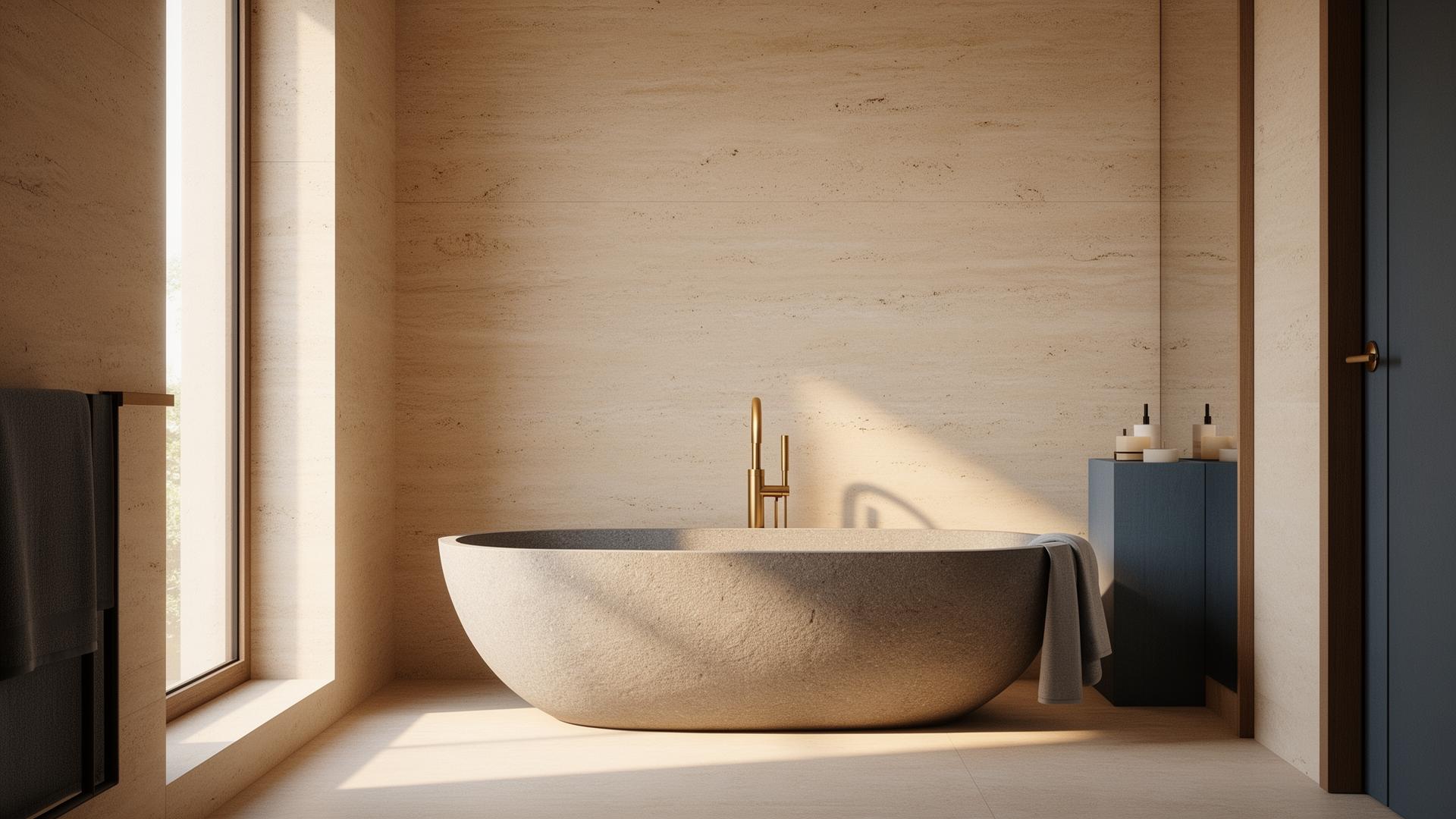
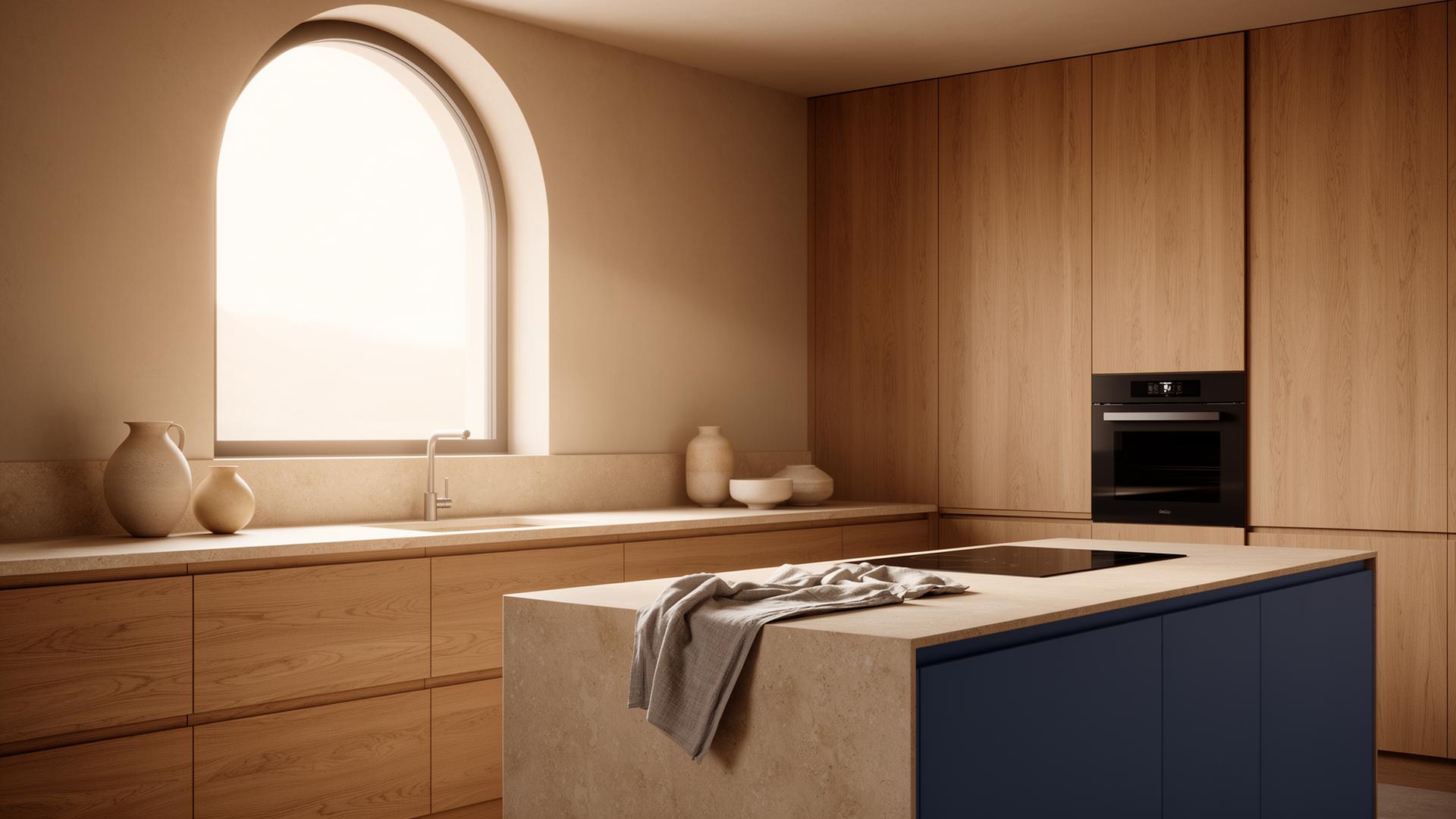
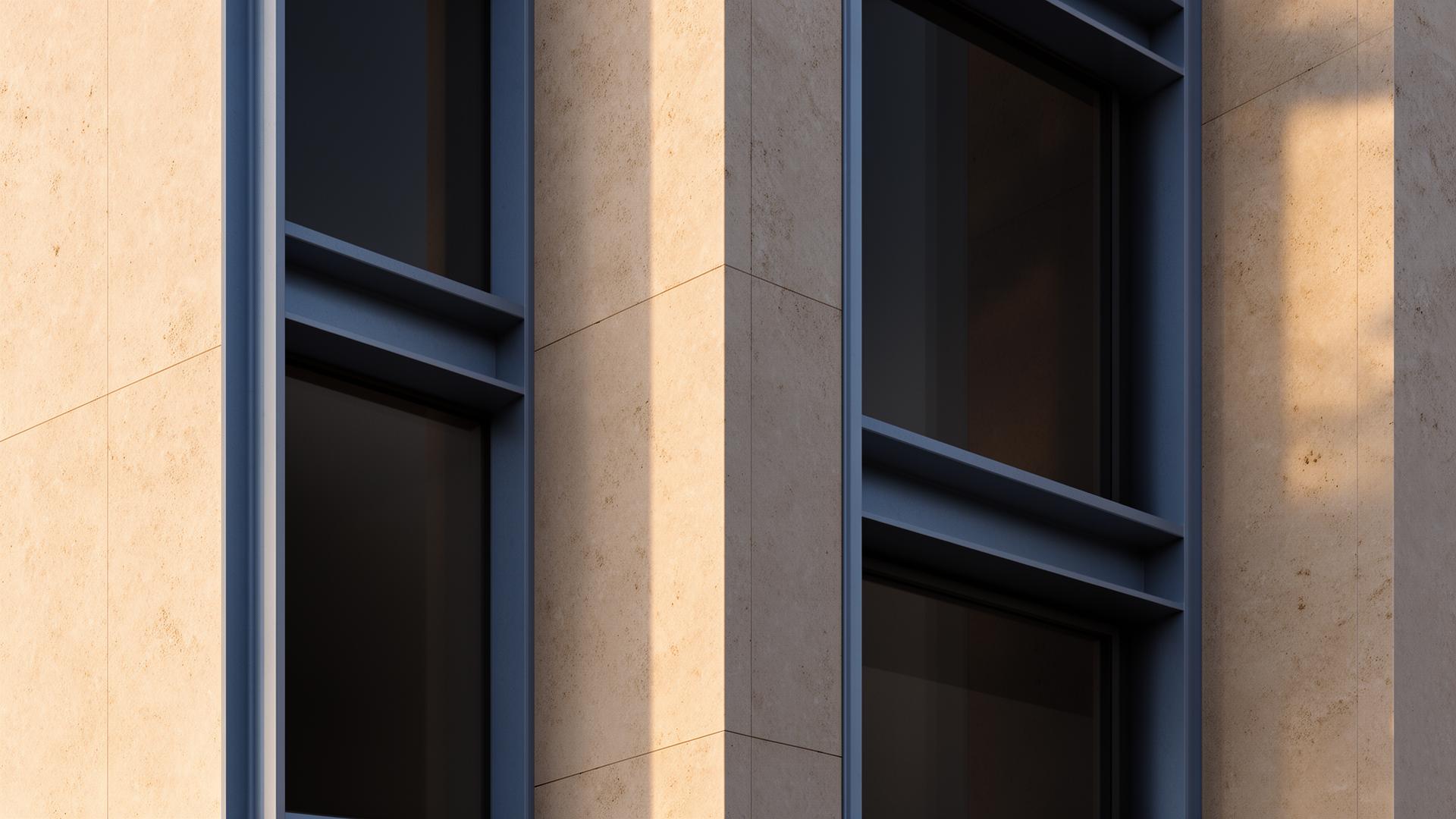
What is AI Interior Design?
In the architecture and visualization industry, AI interior design refers to the use of artificial intelligence to improve the visual quality of 3D interior renders. This isn't about having AI design a room — it's about using AI to make your carefully designed interiors look photorealistic. You maintain full creative control over spatial planning, furniture selection, material palettes, and lighting concepts. The AI handles the computationally intensive task of making everything look real — perfecting light bounce, material textures, shadow softness, and atmospheric effects.

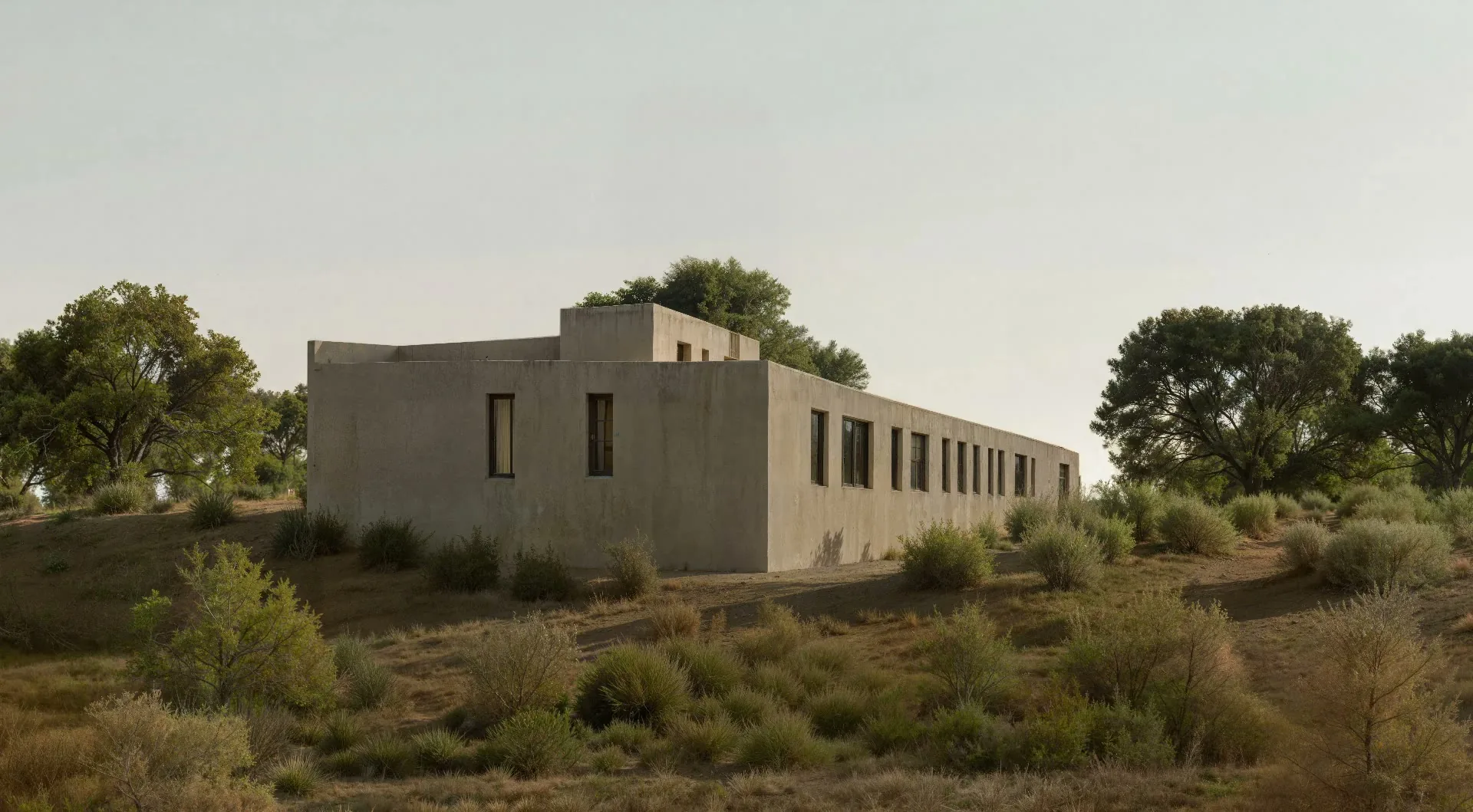
The Complexity of Interior Visualization
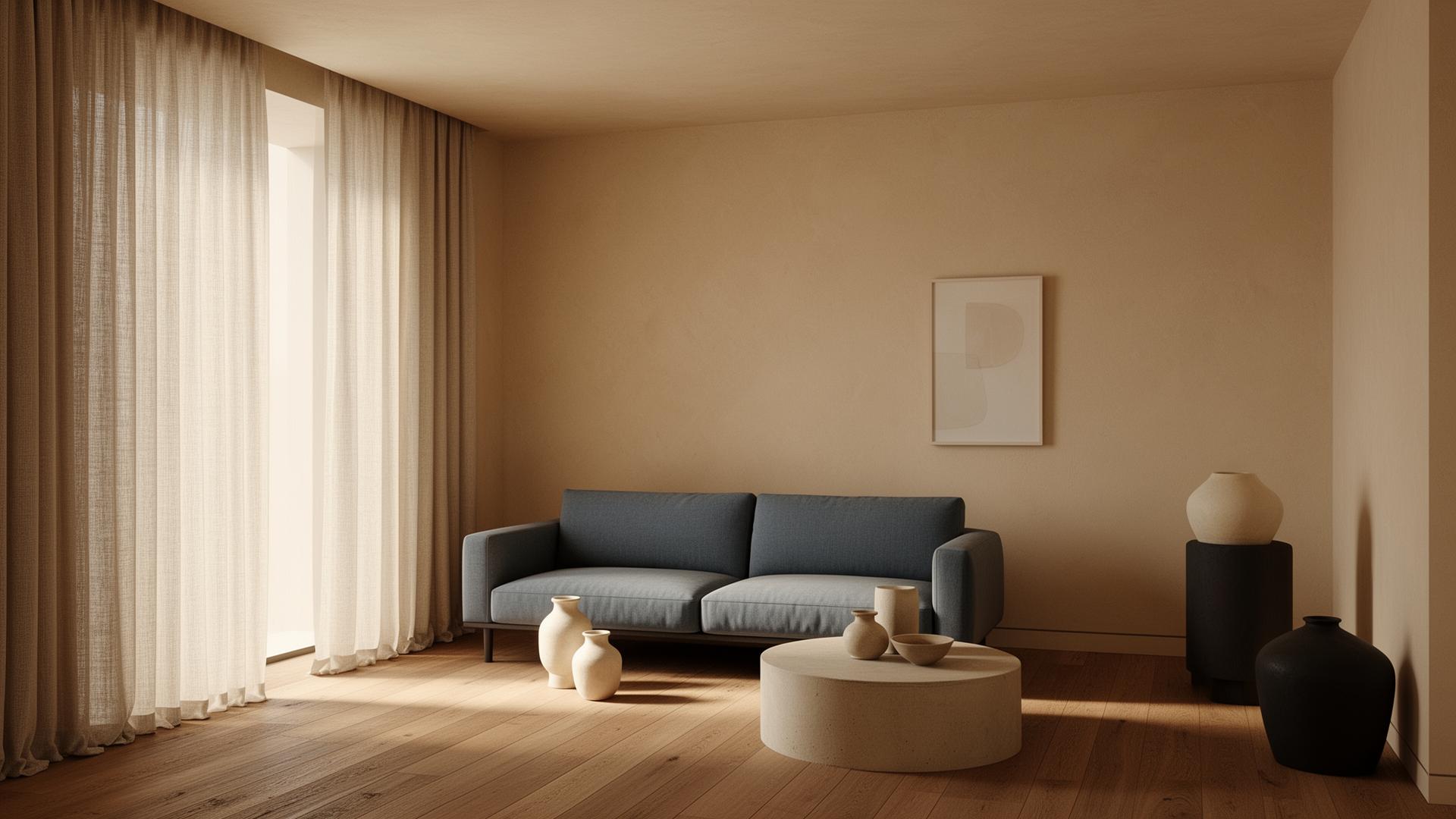
Interior spaces present unique rendering challenges because they rely heavily on indirect lighting. Unlike exterior renders where the sun provides strong directional light, interiors depend on light bouncing multiple times off walls, ceilings, and furniture before reaching the camera. Accurately simulating this global illumination requires extensive computation. Add fabric textures on upholstery, the translucency of curtains, the warmth of wooden floors, and reflections in glass tables, and you have scenes that can take hours to render at photorealistic quality. AI enhancement dramatically reduces this time investment.
AI-Enhanced Interior Design Workflow
The professional workflow integrates AI enhancement as the final step in your existing pipeline. Design in your preferred CAD/BIM software, set up scenes in your rendering application, run a medium-quality render pass (typically 10-20 minutes instead of 2-4 hours), and then enhance with vaethat. The AI intelligently upscales resolution, refines material appearances, improves lighting realism, and adds subtle atmospheric effects. Many studios report that AI-enhanced medium-quality renders are indistinguishable from — or even superior to — their traditional maximum-quality output.
When to Use AI Enhancement vs. Traditional Rendering
AI enhancement is most valuable for client presentations, marketing materials, competition entries, and project documentation where you need multiple high-quality interior views. For a typical residential project requiring 8-12 interior renders, AI enhancement can save 20-40 hours of render and post-processing time. Traditional high-quality rendering still has its place for portfolio hero shots where you want maximum control over every pixel, but for day-to-day production work, AI enhancement offers the best balance of quality and efficiency.
“Interior spaces present unique rendering challenges because they rely heavily on indirect lighting.”
How vaethat Helps with Interior Visualization
vaethat enhances interior renders from any source — V-Ray, Corona, Lumion, Twinmotion, or D5 Render. The AI understands interior-specific challenges: global illumination refinement, fabric and upholstery texture enhancement, wood floor grain definition, and the delicate balance between natural and artificial lighting. Upload your render, and vaethat delivers a photorealistic result in under 2 minutes — no Photoshop expertise required. For studios handling multiple residential or commercial interior projects simultaneously, the time savings compound dramatically.
Frequently Asked Questions
Can AI design an interior space for me?
AI can generate conceptual interior images, but professional interior design requires understanding client needs, building codes, spatial ergonomics, and material specifications. AI enhancement tools like vaethat focus on making your professional designs look photorealistic, not replacing the design process.
Does AI interior enhancement work with all rendering software?
Yes. vaethat enhances renders from any source — V-Ray, Corona, Lumion, Twinmotion, D5 Render, and more. The AI works with the rendered image regardless of which software produced it.
How does AI handle different interior lighting conditions?
The AI is trained on diverse lighting scenarios — bright daylit spaces, moody evening scenes, warm residential lighting, cool commercial environments. It preserves your intended lighting mood while improving realism in how light interacts with surfaces and materials.
What resolution can AI-enhanced interior renders achieve?
vaethat can enhance renders up to high resolution while maintaining detail and sharpness. You can start with a lower-resolution render and use AI enhancement to upscale, saving significant render time.
Is there a free AI interior design tool?
Several free AI tools generate conceptual interior images from text prompts, but these are consumer-grade generators — not professional enhancement tools. For architectural visualization that preserves your actual design decisions, vaethat plans start at €12/month with the basic plan.
What is the 3-5-7 rule in interior design visualization?
The 3-5-7 rule refers to grouping decorative objects in odd numbers (3, 5, or 7) for visually pleasing compositions. In archviz, this principle applies to styling your 3D scenes — cushion arrangements, shelf objects, and table accessories. AI enhancement then elevates the realism of these carefully composed elements.
Can AI replace an interior designer?
No. AI enhancement tools improve visualization quality but can't replace the design expertise, client relationship management, spatial planning skills, and building code knowledge that professional interior designers bring. AI is a productivity tool that makes designers more efficient, not a replacement.
Ready to put this into practice? Try vaethat to upscale your interior renders in one click, no prompts, no Photoshop.