What is AI Render Enhancement?
AI render enhancement uses deep learning models trained on thousands of architectural visualizations to intelligently improve image quality. Unlike filters or presets, AI analyzes each element of your render — materials, lighting, shadows, reflections, atmosphere — and applies targeted improvements. A concrete wall gains realistic weathering texture, glass reflections become optically accurate, and lighting transitions appear naturally soft. The key advantage over traditional post-processing is speed and consistency: the AI delivers professional-quality results in under 2 minutes, regardless of scene complexity.

Why Traditional Render Improvement Methods Fall Short
Before AI enhancement, architects had two options for improving render quality: increase render settings (adding hours of computation time) or manually post-process in Photoshop (requiring specialized skills and 2-4 hours per image). Both approaches create bottlenecks. High-quality render passes consume expensive hardware resources and can take overnight for complex scenes. Manual post-processing requires dedicated visualization artists and doesn't scale well across projects. AI enhancement eliminates both bottlenecks — you render at medium quality and enhance in minutes, getting results that match or exceed either traditional approach.
How AI Enhancement Improves Different Render Elements
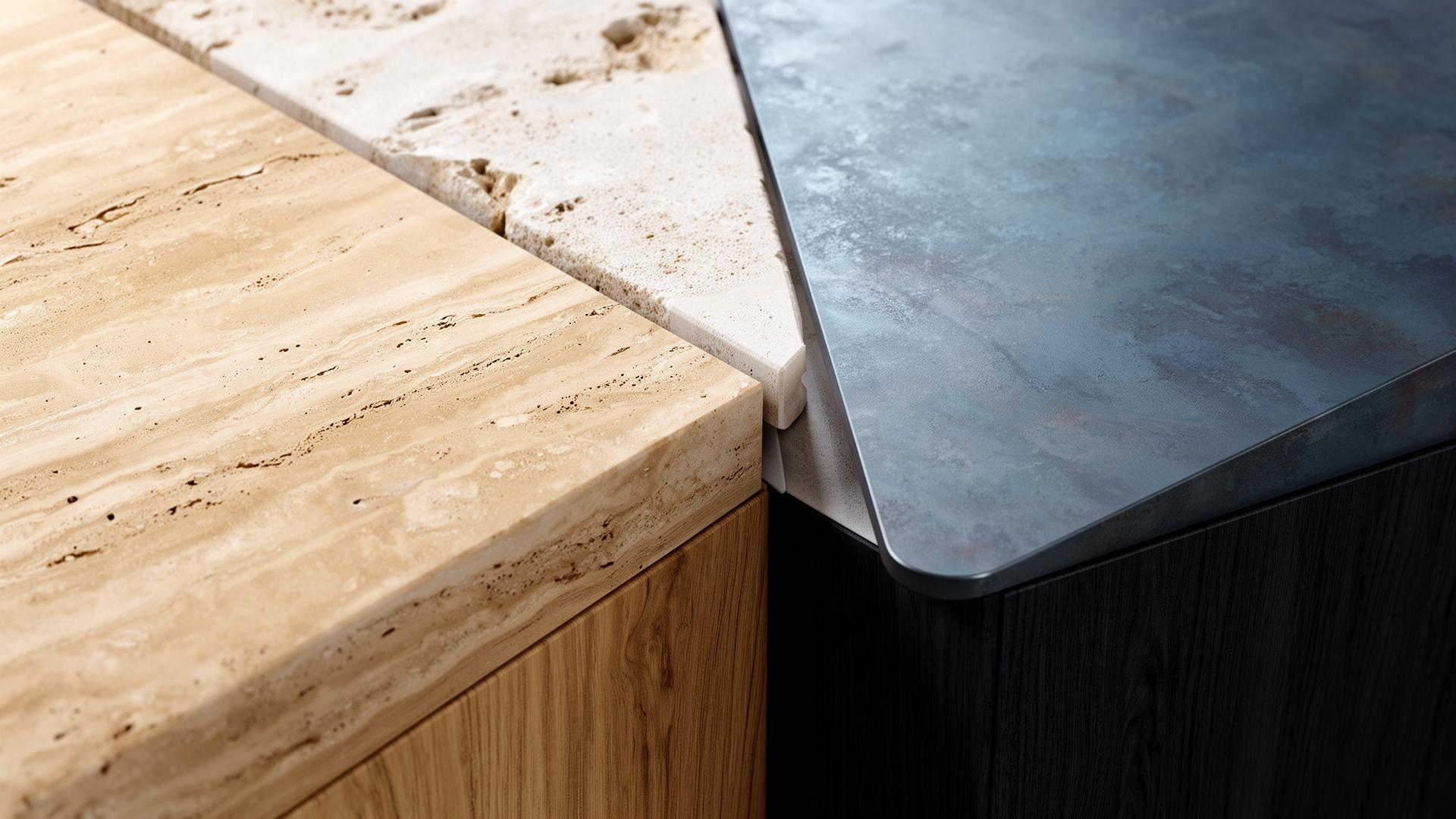
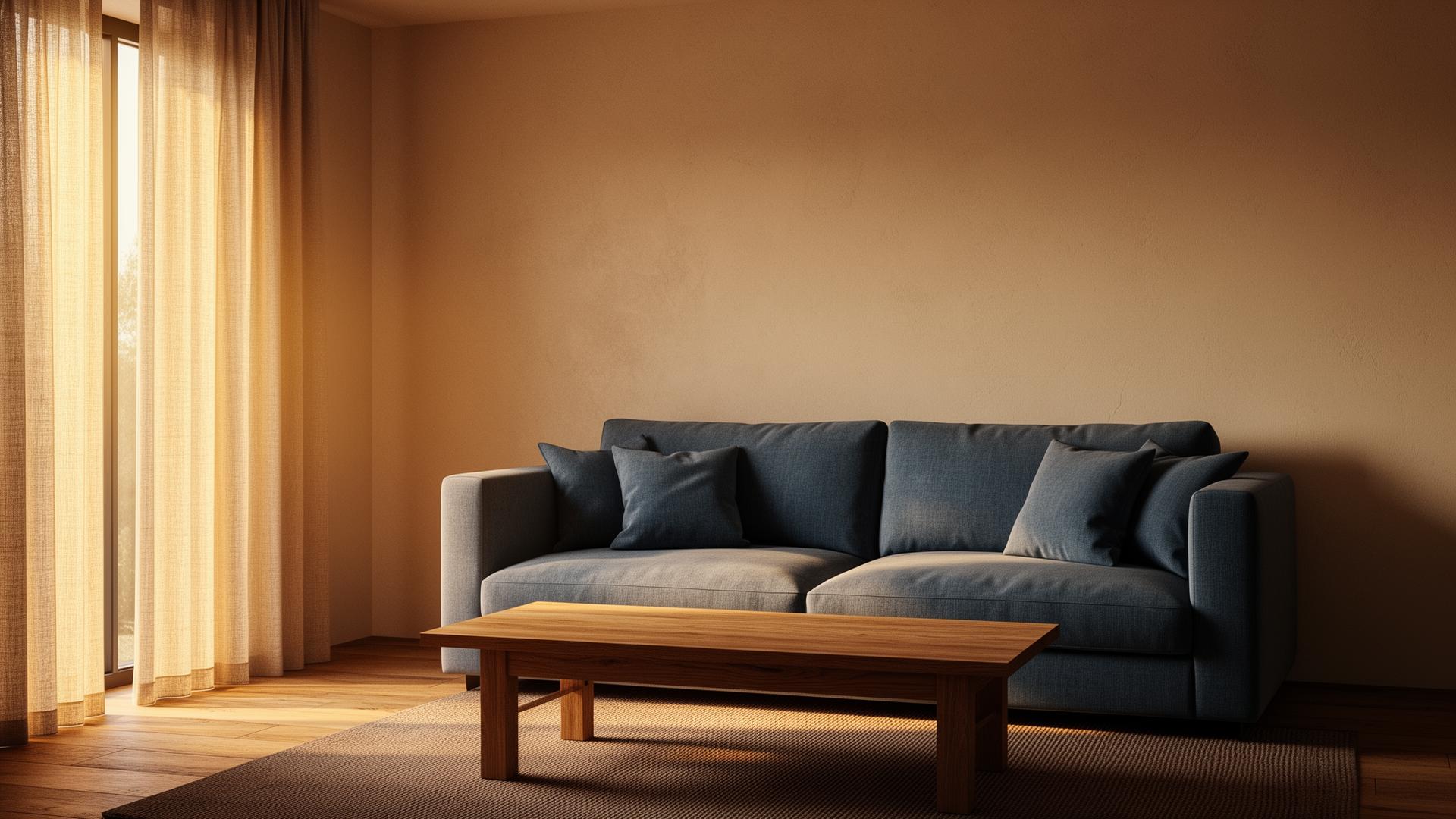
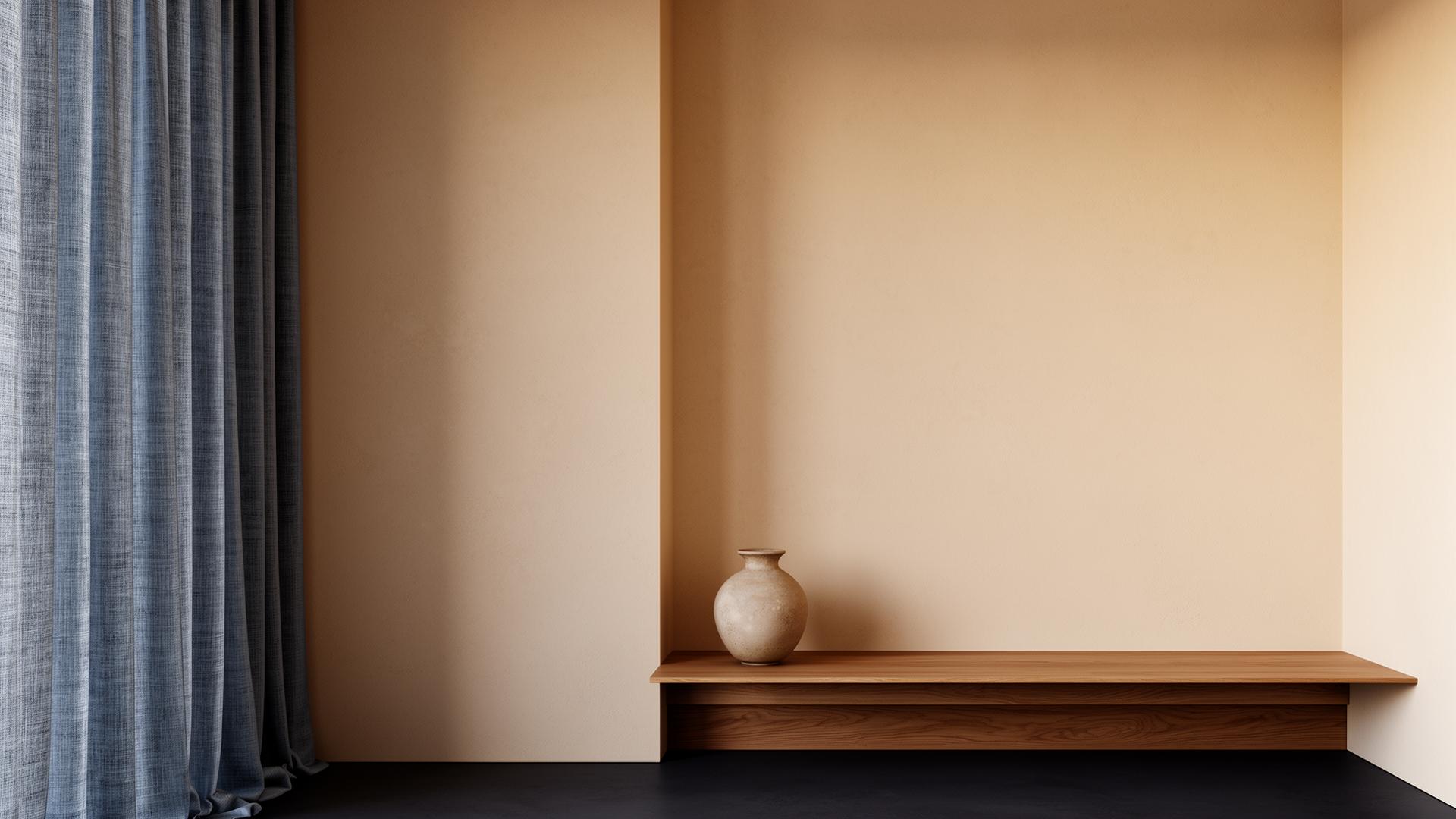
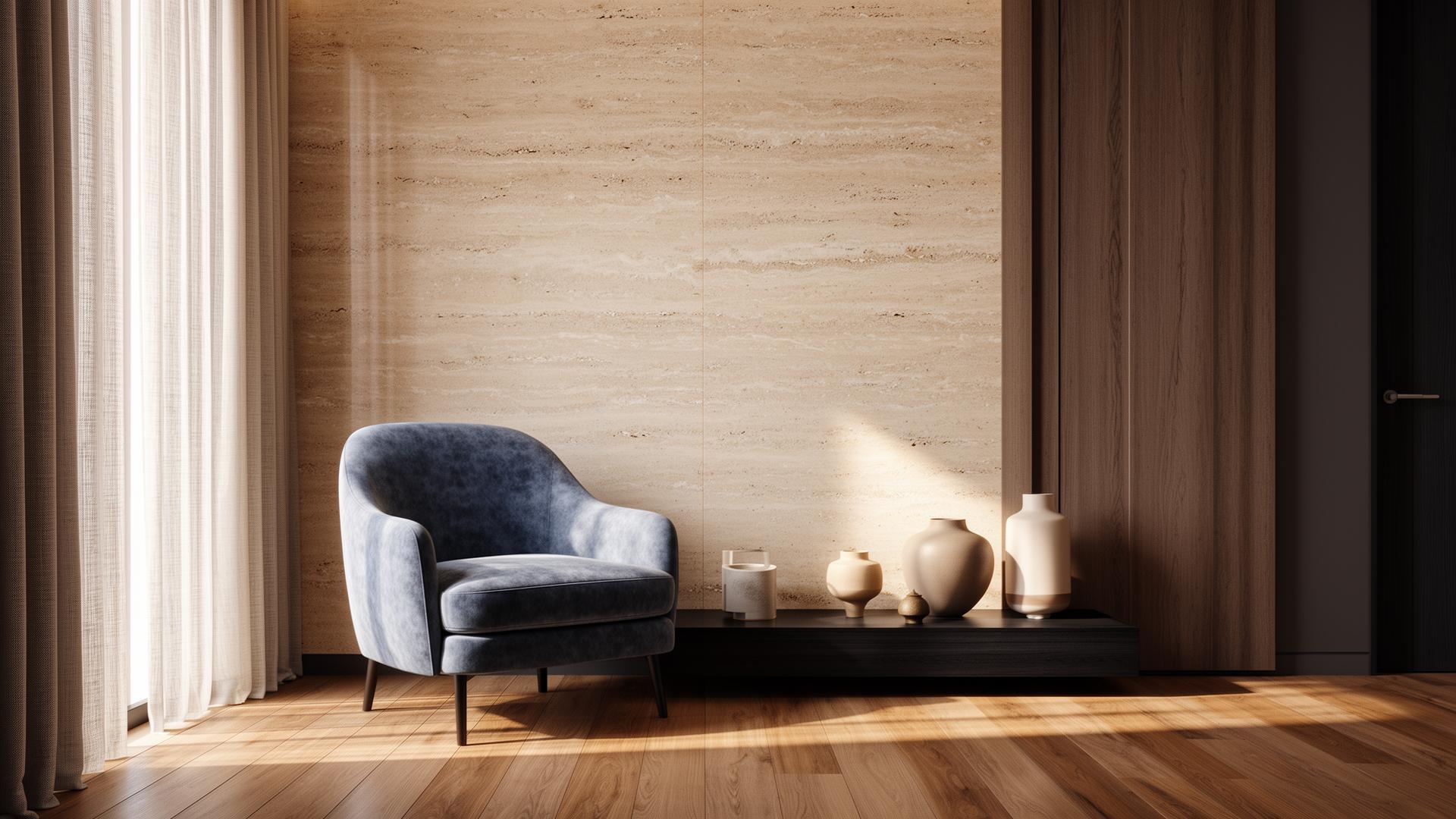
AI enhancement targets specific visual elements that most impact photorealism. Material definition is enhanced — wood grain, stone texture, fabric weave, and metal reflectivity all become more convincing. Lighting is refined with better global illumination simulation, more natural shadow falloff, and improved color temperature accuracy. Atmospheric effects like depth haze and ambient occlusion are added or enhanced. Edge quality is improved, eliminating render artifacts while preserving architectural precision. The cumulative effect transforms a good render into a photorealistic visualization.
Step-by-Step AI Render Enhancement Workflow
The workflow is designed for simplicity: 1) Render your scene at medium quality using any rendering engine — V-Ray, Lumion, Corona, Twinmotion, or D5 Render. 2) Upload the rendered image to vaethat. 3) Choose 2x or 4x and press Enhance; one mode works for interiors, exteriors and details alike. 4) Review and download the enhanced result. The entire process takes 2-3 minutes per image. For projects requiring multiple views, batch processing allows you to enhance an entire set of renders while you continue working on other tasks.
“Before AI enhancement, architects had two options for improving render quality: increase render settings (adding hours of computation time) or manually post-process in Photoshop (requiring specialized skills and 2-4 h…”
When AI Enhancement Makes the Biggest Difference
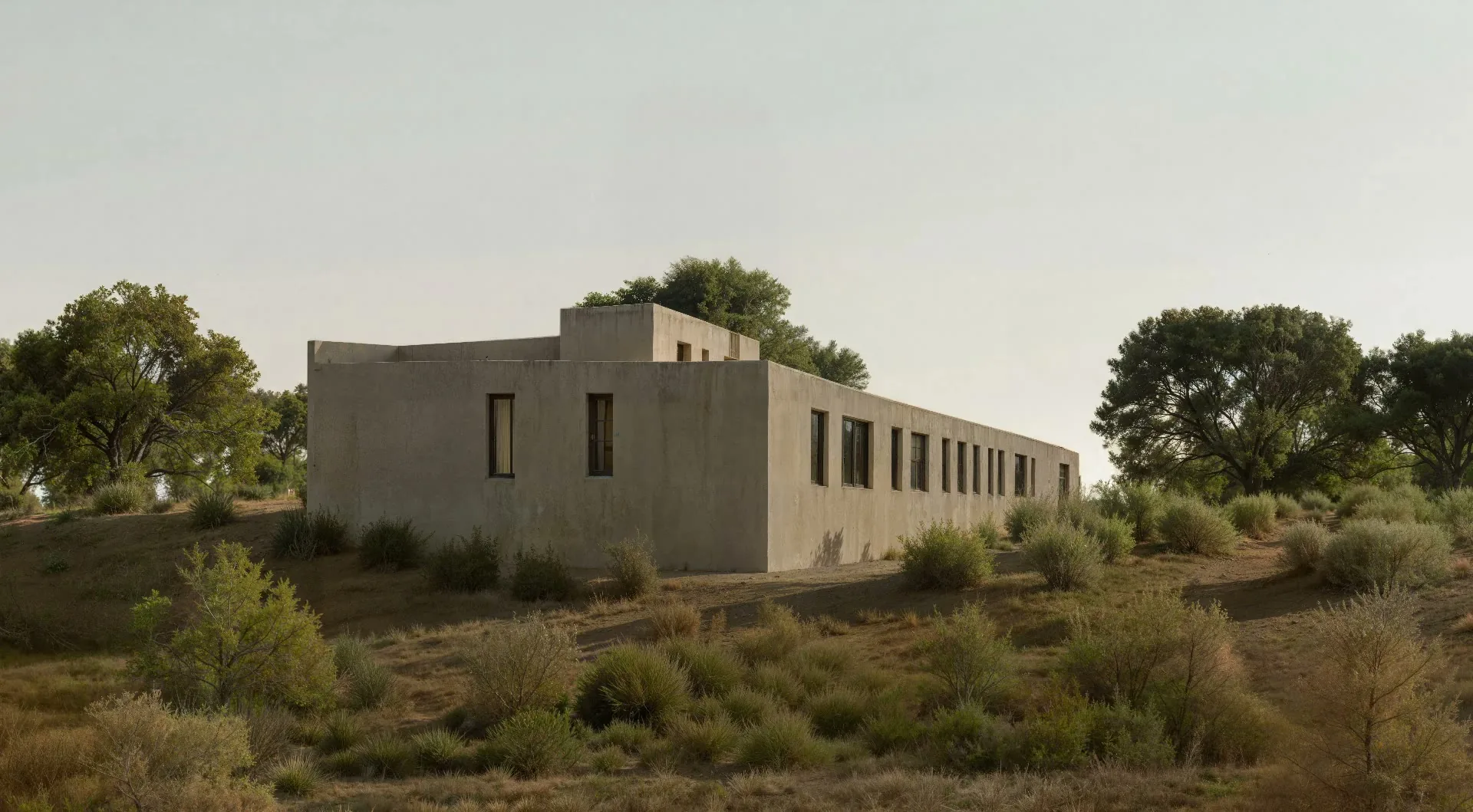
AI enhancement delivers the most dramatic improvements on medium-quality renders where photorealism gaps are most visible. Quick Lumion or Twinmotion renders benefit enormously — the AI compensates for the real-time engine's lighting and material limitations. V-Ray or Corona renders at reduced sample counts see noise elimination and material refinement. Even high-quality renders benefit from subtle improvements in atmospheric depth and material micro-detail. The universal rule: the less time you spend rendering, the more value AI enhancement adds.
Free vs. Paid AI Render Enhancement Tools
Free AI tools for render improvement typically fall into two categories: general-purpose image enhancers (like free Topaz alternatives) that aren't optimized for architectural renders, and AI generators (like free tiers of Midjourney) that create new images rather than enhancing existing ones. Free tools often add unwanted artifacts to architectural renders — softening precise edges, adding photographic noise to clean material surfaces, or altering colors. Professional tools like vaethat are specifically trained on architectural renders and understand the precision requirements of archviz — straight lines stay straight, material accuracy is preserved, and geometric relationships remain exact.
Common Render Problems AI Can Fix
AI enhancement addresses the most common render quality issues: residual noise from insufficient sampling, flat-looking materials lacking surface detail, unrealistic lighting with harsh shadows or washed-out illumination, missing atmospheric depth that makes scenes feel computer-generated, and inconsistent quality across multiple views of the same project. It also handles subtler issues like banding in gradient transitions, overly sharp or overly soft edges, and color temperature inconsistencies between natural and artificial light sources. These are the problems that typically require 2-4 hours of Photoshop expertise to fix manually.
Compatible Rendering Software: V-Ray, Lumion, D5
vaethat enhances renders from every major architectural rendering engine. V-Ray and Corona renders benefit from noise reduction and material refinement. Lumion and Twinmotion real-time renders see the most dramatic quality improvements — the AI compensates for real-time engine limitations in global illumination and material complexity. D5 Render outputs are refined with better lighting accuracy and surface detail. The AI adapts to each engine's characteristic output, applying the right type of enhancement for each software's specific strengths and limitations.
How vaethat Helps Improve Your Renders
vaethat is purpose-built for the specific challenge of improving architectural renders. Unlike general AI image tools, it preserves the geometric precision architects require — no hallucinated details, no altered proportions, no creative reinterpretation of your design. Upload your render from any software, and vaethat enhances materials, lighting, and atmosphere while keeping your design decisions intact. The prompt-free workflow means consistent results regardless of who on your team processes the renders, and batch processing handles entire project sets efficiently.
Frequently Asked Questions
How much can AI actually improve a render?
The improvement depends on the input quality. Medium-quality renders see the most dramatic transformation — often indistinguishable from renders that took 5-10x longer to produce. High-quality renders still benefit from subtle material and atmospheric improvements.
Does AI enhancement work with any rendering software?
Yes. vaethat enhances renders from V-Ray, Corona, Lumion, Twinmotion, D5 Render, KeyShot, and any other software that exports standard image formats.
Will AI enhancement change my design?
No. AI enhancement preserves your geometry, materials, layout, and spatial relationships exactly. It only improves visual quality — better lighting, sharper materials, more atmospheric depth.
How long does AI render enhancement take?
Most renders are enhanced in under 2 minutes. Complex high-resolution images may take slightly longer, but still dramatically less than manual post-processing or re-rendering at higher quality.
Can AI do rendering instead of V-Ray or Lumion?
Not yet — at least not for professional architectural work. AI can generate conceptual images from text prompts, but these lack the dimensional accuracy, material precision, and design fidelity that architects require. The current best workflow is rendering in traditional software and enhancing with AI for the final quality push.
What is the best free AI tool for improving renders?
Free AI tools for render improvement are limited — most are general-purpose image enhancers that can introduce artifacts on architectural renders. For professional archviz work, vaethat plans start at €12/month with the basic plan.
Will AI replace traditional rendering?
Not in the foreseeable future. AI enhancement complements traditional rendering by reducing the time and quality threshold needed. You still need 3D models and rendering engines for accurate architectural visualization — AI makes the output look better, faster. Think of it as an advanced post-production tool, not a rendering replacement.
Ready to put this into practice? Try vaethat to AI render enhancer in one click, no prompts, no Photoshop.