Traditional vs. AI Post-Production in Archviz
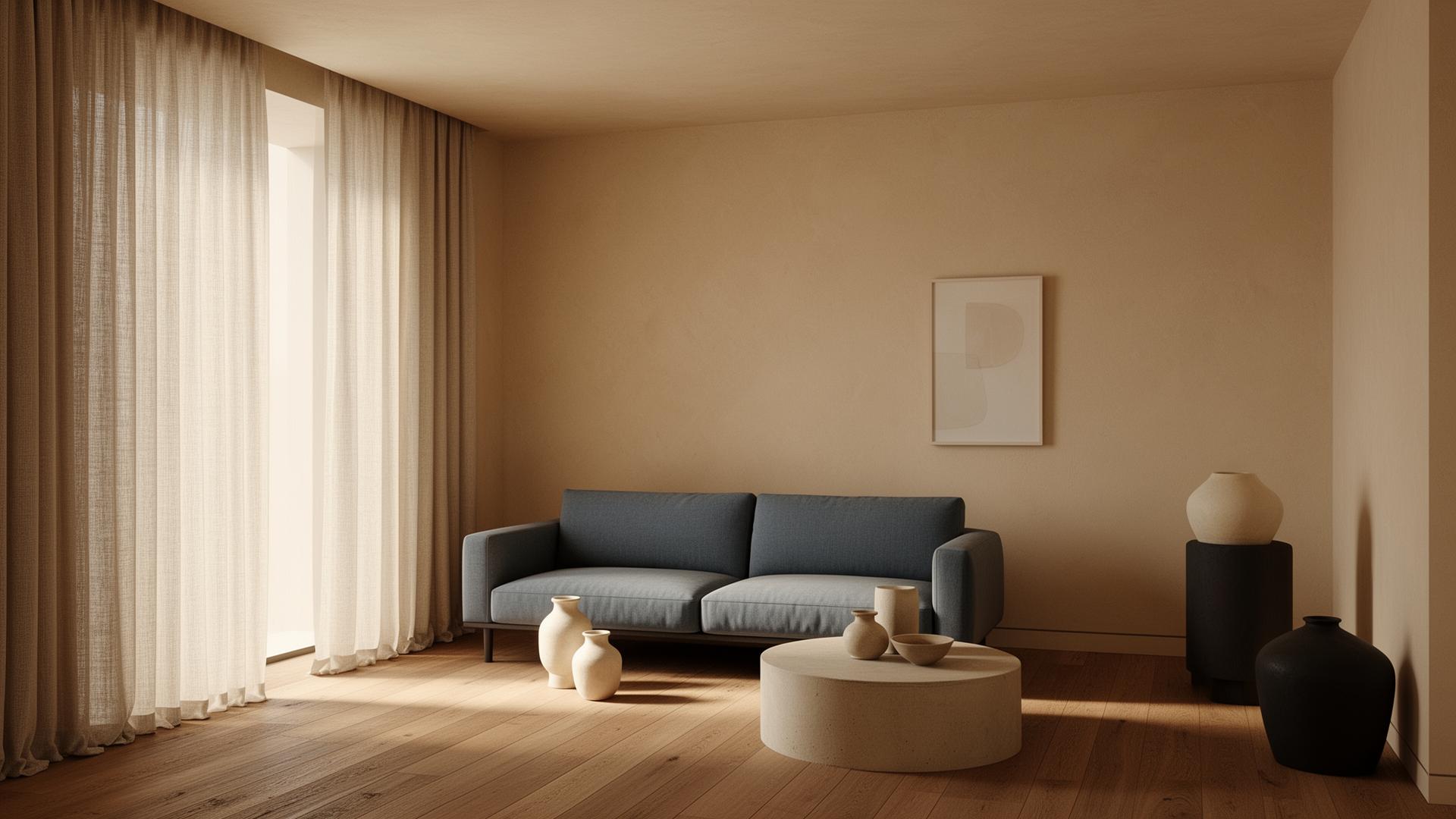
Traditional archviz post-production follows a predictable but time-consuming workflow: export render passes from your 3D engine, composite them in Photoshop, adjust exposure and contrast, add atmospheric effects, color grade for mood, sharpen selectively, and export final deliverables. This process requires significant Photoshop expertise and typically takes 2-4 hours per image for professional results. AI post-production compresses this entire pipeline into a single step — upload your render, and the AI handles compositing optimization, color correction, atmospheric enhancement, and sharpening simultaneously.

What AI Post-Production Can Replace
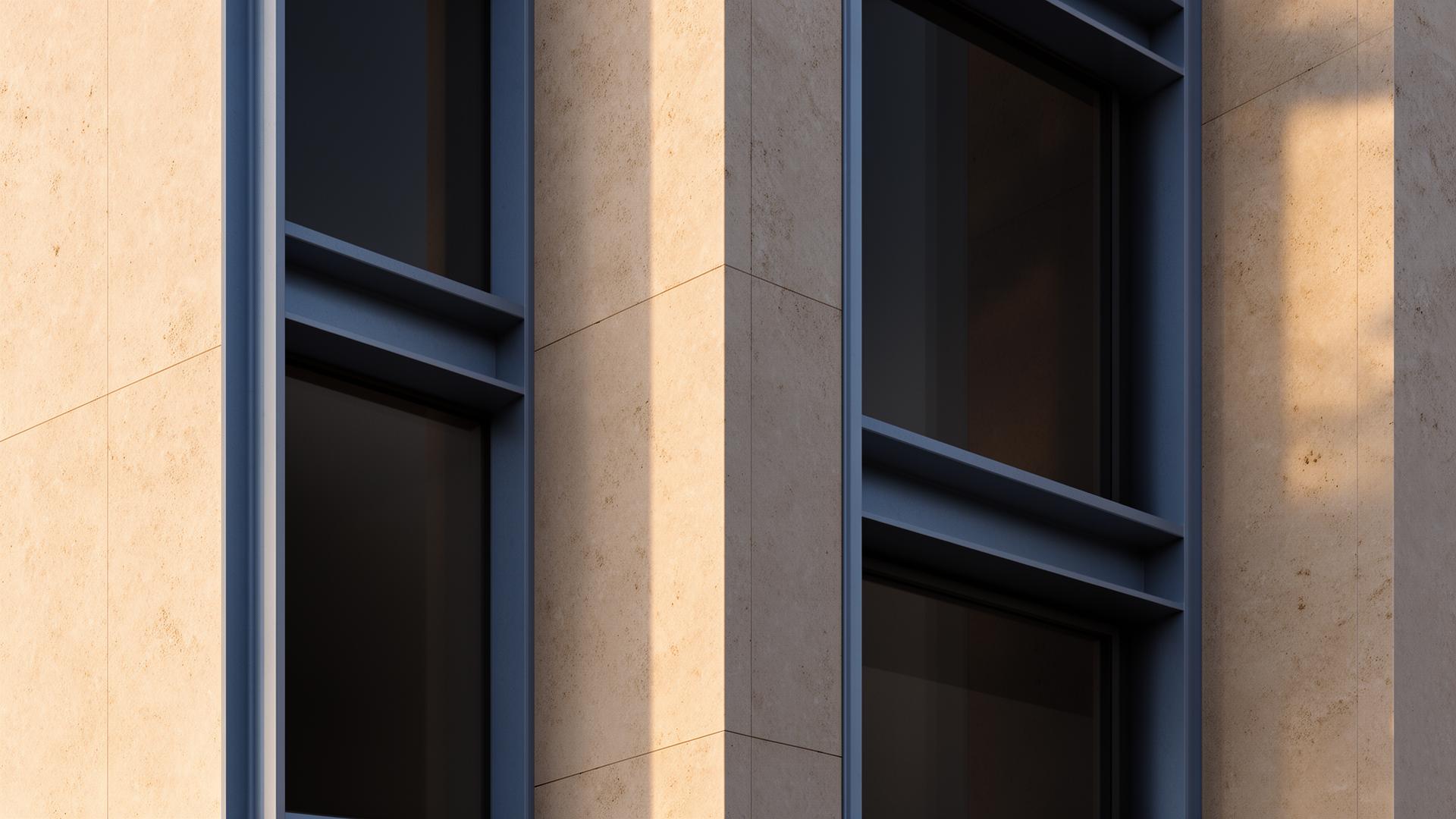
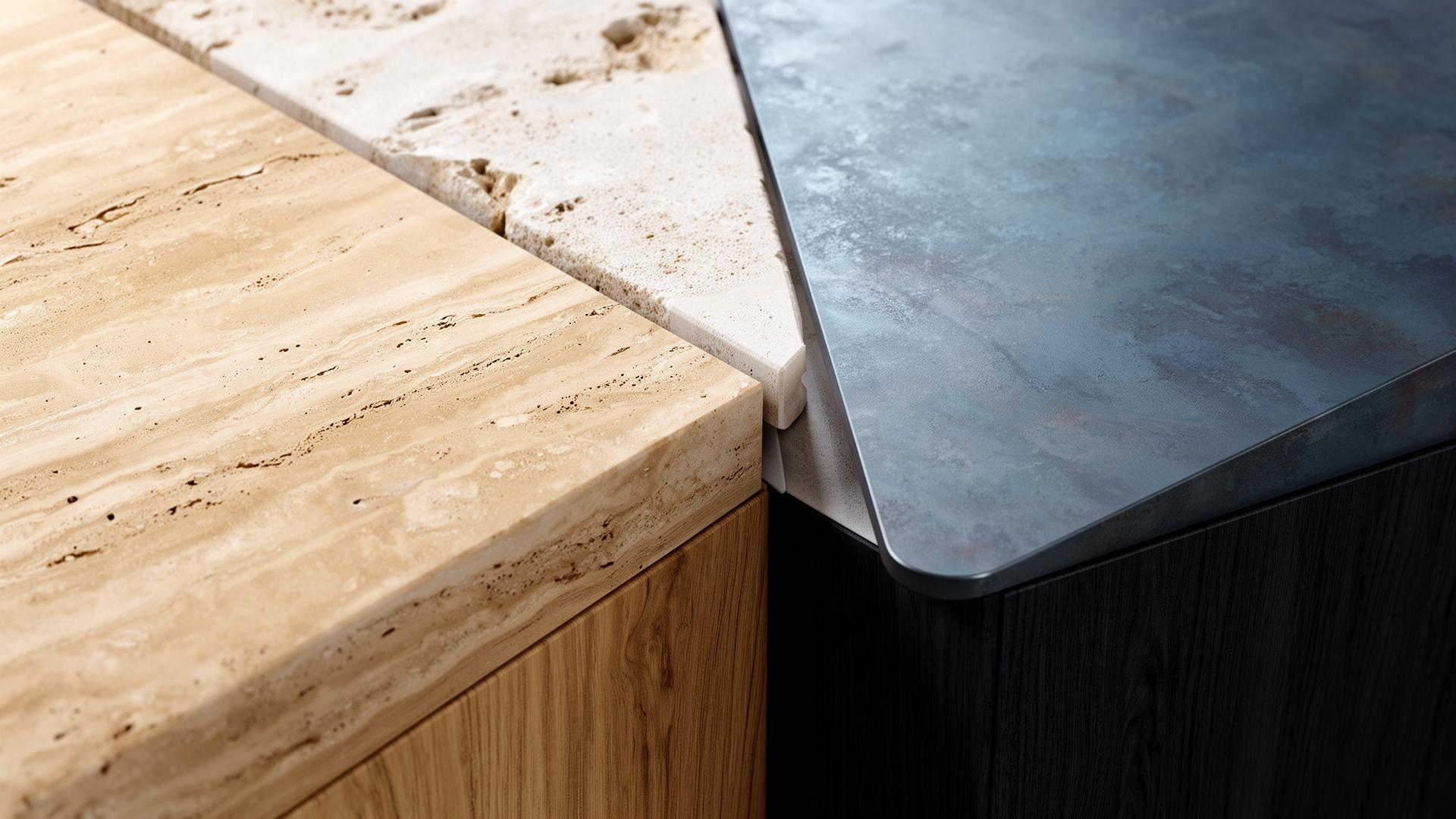
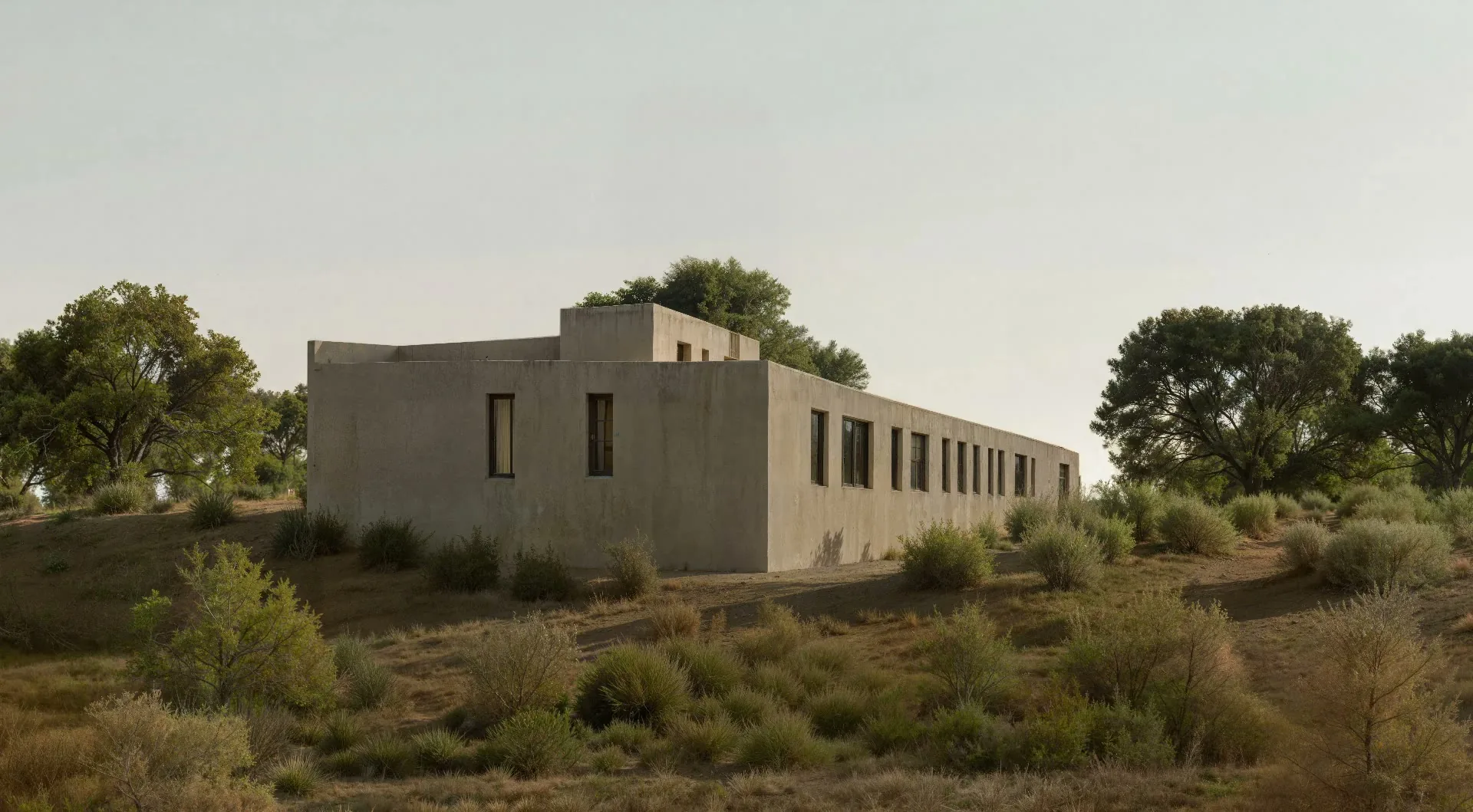
AI excels at the repetitive aspects of archviz post-production: denoising residual render noise, enhancing material definition, improving lighting transitions, adding subtle atmospheric depth, correcting color temperature, and sharpening fine details. These tasks account for roughly 70-80% of traditional post-production time. The remaining 20-30% — creative decisions like adding specific sky compositions, inserting particular entourage, or applying unique color grading styles — still benefits from human direction. The most efficient studios combine AI enhancement with minimal manual finishing touches.
Impact on Studio Productivity
Studios adopting AI post-production report 3-5x increases in visualization output per artist. A senior visualizer who previously delivered 2-3 finished images per day can now produce 8-12 AI-enhanced images in the same timeframe. This isn't just faster — it's transformative for project economics. More visualization options per project means better client communication, faster design iteration, and stronger competition entries. Studios can take on more projects without hiring additional visualization staff.
Getting Started with AI Post-Production
The transition to AI post-production is gradual and low-risk. Start by running your existing renders through vaethat alongside your traditional Photoshop workflow and compare results. Most professionals find that AI-enhanced results are comparable to their manual post-processing within the first few attempts. As confidence grows, shift your standard production work to AI enhancement and reserve manual post-production for hero images that require specific creative direction.
“AI excels at the repetitive aspects of archviz post-production: denoising residual render noise, enhancing material definition, improving lighting transitions, adding subtle atmospheric depth, correcting color tempera…”
Understanding Render Passes and When You Still Need Them
Traditional post-production relies heavily on render passes — diffuse, reflection, specular, ambient occlusion, shadow, and z-depth passes composited in Photoshop for maximum control. AI enhancement simplifies this pipeline: in most cases, you only need the beauty pass (final combined render). The AI handles the adjustments that render passes traditionally enabled. However, render passes remain useful for specific creative effects — like isolating window reflections for sky compositing or using z-depth for custom depth-of-field. The efficient approach: use AI enhancement for production work and reserve render pass workflows for portfolio hero images.
Common Post-Production Mistakes AI Eliminates
Manual post-production introduces common errors: inconsistent color grading across a set of project images, over-sharpening that creates halo artifacts, unrealistic atmosphere that doesn't match the lighting direction, and blown-out highlights from aggressive contrast adjustments. AI enhancement avoids these mistakes by applying improvements consistently and within physically plausible parameters. Every image in a project set receives the same quality treatment, ensuring a cohesive visual language across all deliverables — something that's difficult to achieve manually, especially under deadline pressure.
How vaethat Helps with Archviz Post-Production
vaethat replaces the most time-consuming parts of the Photoshop post-production pipeline. Upload your beauty pass render — no need for separate render passes or multi-layer Photoshop files — and the AI handles denoising, material refinement, lighting improvement, atmospheric enhancement, and sharpening in a single step. The result is consistent across all project images, eliminating the quality variation that comes from manual processing under deadline pressure. Studios report cutting post-production time by 80% while maintaining or improving output quality.
Frequently Asked Questions
Does AI post-production replace Photoshop entirely?
For standard production renders, AI handles 80-90% of what you'd typically do in Photoshop. Creative post-production tasks like specific sky compositing or unique color grading may still benefit from manual work, but the bulk of technical enhancement is automated.
Is AI post-production suitable for high-end archviz studios?
Yes. Many professional archviz studios use AI enhancement for production work and reserve manual post-production for portfolio hero shots. The quality is professional-grade and suitable for client presentations and publications.
How does AI post-production handle render passes?
vaethat works with your final composited render or beauty pass. You don't need to export separate render passes — the AI enhances the combined result directly, simplifying your pipeline.
What's the cost comparison vs. manual post-production?
At typical visualization artist rates, 3 hours of manual post-production costs $150-300+. AI enhancement via vaethat costs a few credits per image and takes minutes, offering significant cost savings at scale.
Can AI match a specific post-production style?
vaethat's enhancement produces professional, photorealistic results with neutral color grading. For branded or stylized looks, you can still apply a quick color grade or LUT in Photoshop after AI enhancement — this hybrid approach saves time while maintaining your studio's visual identity.
Do I need Photoshop skills to use AI post-production?
No. One of the biggest advantages of AI post-production is accessibility — any team member can produce professional-quality enhanced renders without Photoshop expertise. This democratizes visualization quality across your studio.
Ready to put this into practice? Try vaethat to improve 3D render quality with AI in one click, no prompts, no Photoshop.