What is AI Image Upscaling for Architecture?
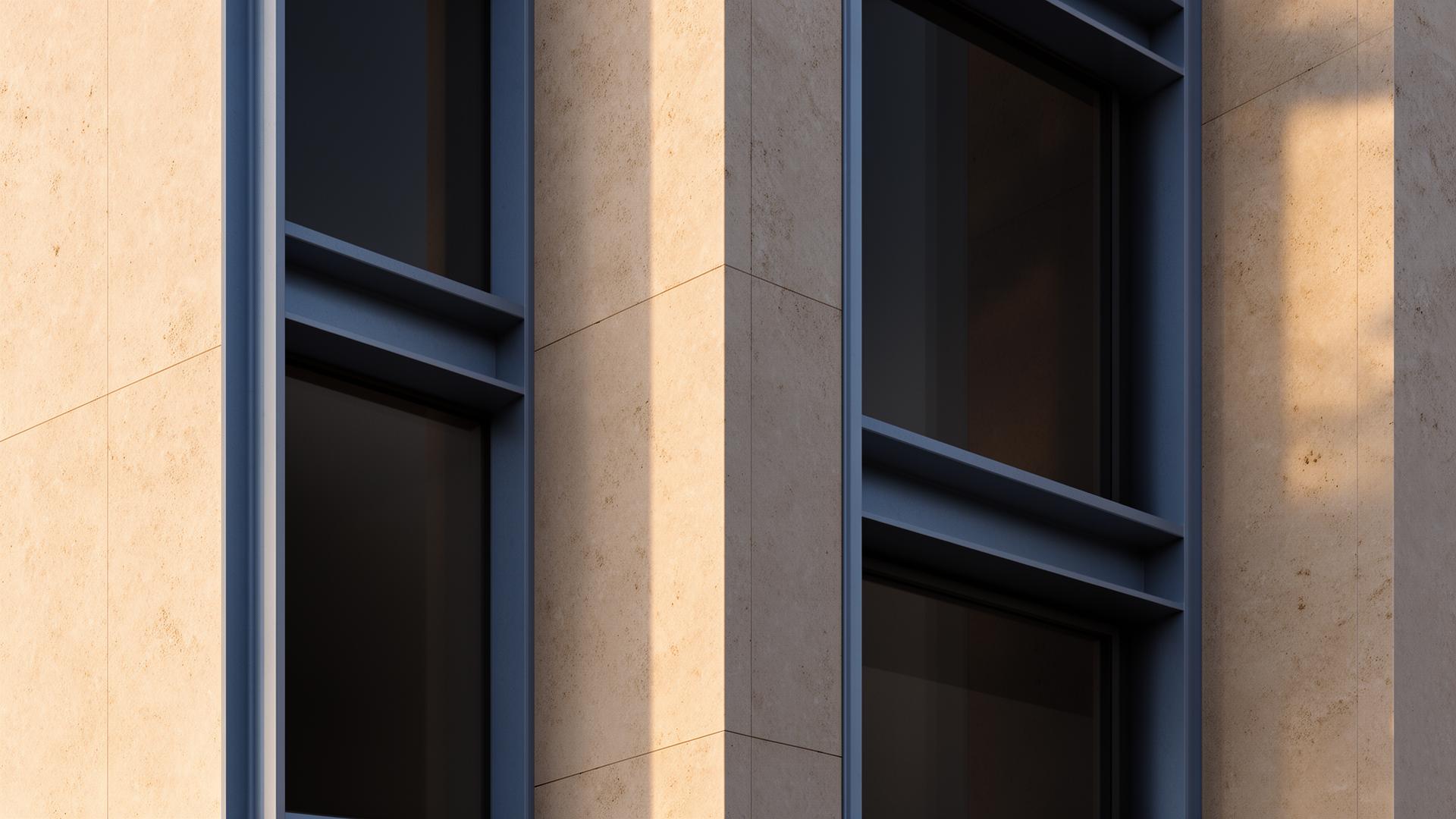
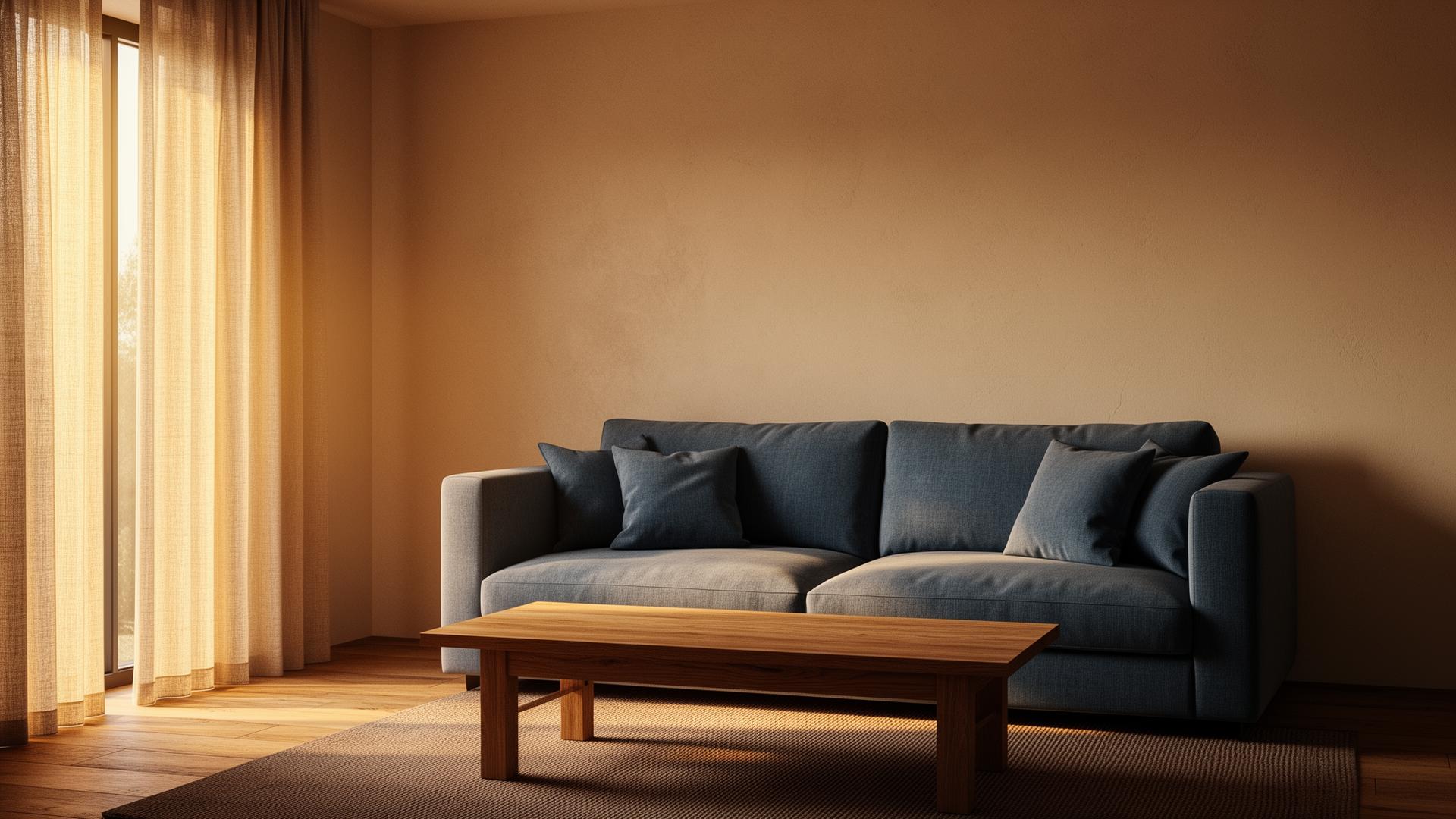
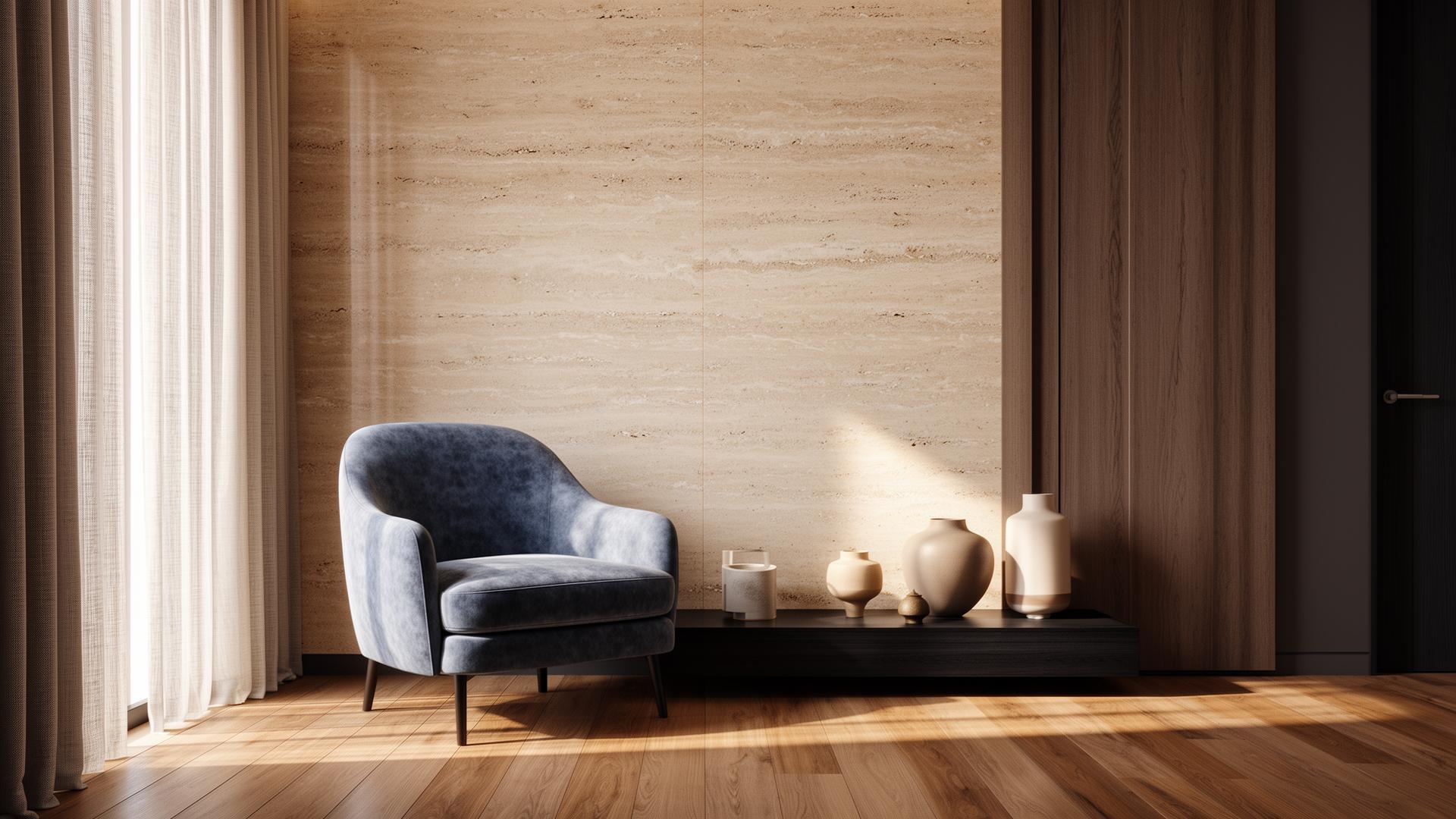
AI image upscaling uses deep learning models trained on architectural imagery to intelligently increase image resolution. Unlike basic bicubic interpolation that simply stretches pixels, AI upscaling reconstructs fine details — brick mortar lines, fabric weave patterns, wood grain textures, and glass reflections — that weren't visible in the lower-resolution source. For archviz professionals, this means rendering at 2K and upscaling to 4K produces results virtually indistinguishable from native 4K renders, at a fraction of the render time and computational cost.


Why Architects Need AI Upscaling
Client presentations increasingly demand 4K imagery for large-format displays and print materials. A single 4K render in V-Ray or Corona can take 4-8 hours depending on scene complexity. Multiply that by 15-20 views per project, and rendering time becomes a significant project cost. AI upscaling solves this by allowing you to render at 1080p or 2K (30-60 minutes per image) and upscale to 4K in under 2 minutes. The quality difference is negligible to even trained eyes, but the time savings are dramatic — potentially 40-60 hours saved per project.
AI Upscaler vs. Topaz AI vs. Magnific AI
General-purpose upscalers like Topaz Photo AI and Magnific AI work well for photographs but aren't optimized for architectural renders. They can introduce artifacts on geometric edges, misinterpret CAD-precise lines as imperfections, and struggle with the flat material surfaces common in archviz. vaethat's AI upscaler is trained specifically on 3D renders from V-Ray, Corona, Lumion, and other architectural rendering engines. It understands that a perfectly straight wall edge should stay perfectly straight, that a uniform concrete texture shouldn't have added photographic noise, and that glass reflections should remain optically accurate.
Professional Upscaling Workflow
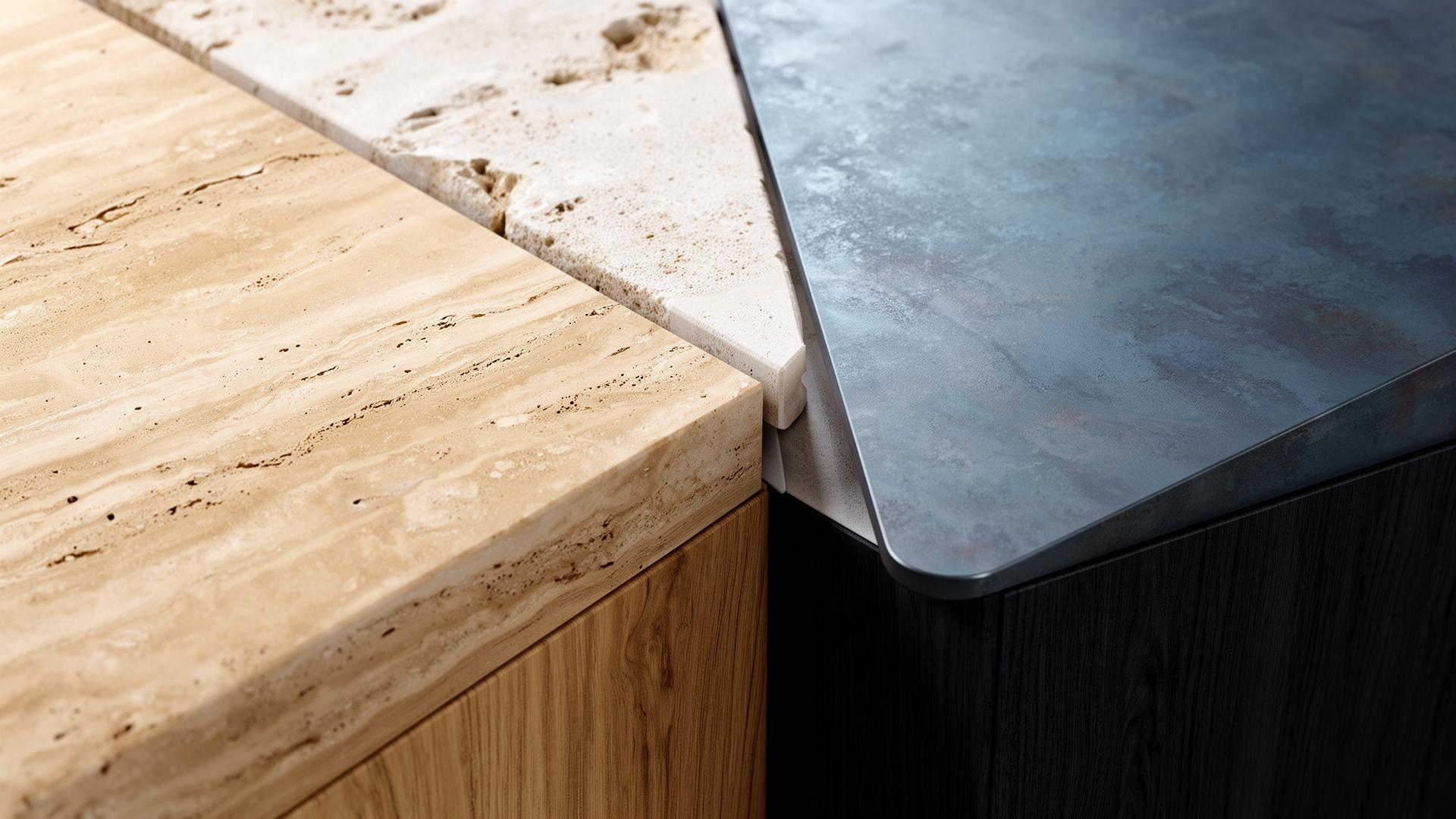
The optimal workflow is straightforward: render your scene at half the target resolution with your normal quality settings, upload to vaethat, select your upscale factor, and receive your enhanced result. For print-quality deliverables, start at 2K and upscale to 4K. For competition panels requiring 8K imagery, render at 4K and upscale. The AI handles not just resolution increase but also subtle quality improvements — denoising residual render noise, sharpening material textures, and enhancing lighting transitions.
“Client presentations increasingly demand 4K imagery for large-format displays and print materials.”
Resolution Guide: What Resolution Do You Actually Need?
Not every deliverable needs 4K. Client presentation screens typically display at 1080p or 1440p — upscaling from a 720p render to 1080p is sufficient. Marketing brochures and websites need 2K-3K for crisp reproduction. Competition panels printed at A1 or A0 size require 4K-8K for sharp detail at close viewing distance. Understanding your output requirements prevents over-rendering and lets you target the optimal input resolution for AI upscaling. vaethat's credit system scales with output resolution, so rendering and upscaling to the right size saves both time and credits.
How vaethat Helps with Architectural Upscaling
vaethat's upscaling is trained exclusively on architectural renders, meaning it understands the specific characteristics that general upscalers miss: CAD-precise edges, uniform material surfaces, architectural glass behavior, and the subtle lighting gradients in rendered scenes. Upload your render at any resolution and vaethat enhances both resolution and quality simultaneously — cleaner materials, sharper edges, and refined lighting. The result is indistinguishable from native high-resolution renders at a fraction of the time and computational cost.
Frequently Asked Questions
How does AI upscaling compare to rendering at higher resolution?
AI upscaling from 2K to 4K typically produces results that are 95-99% as good as native 4K renders, but in 2 minutes instead of 4-8 hours. For most professional applications — client presentations, marketing, planning submissions — the difference is imperceptible.
Does AI upscaling work with all rendering software?
Yes. vaethat's AI upscaler works with renders from V-Ray, Corona, Lumion, Twinmotion, D5 Render, and any other rendering engine that outputs standard image formats (PNG, JPG, TIFF).
Can I upscale old renders from previous projects?
Absolutely. AI upscaling is ideal for refreshing older project renders without re-rendering. Upload any existing render and upscale it to modern resolution standards.
What's the maximum upscale resolution?
vaethat supports upscaling to high resolutions suitable for large-format prints and competition panels. Credits are calculated based on the output resolution.
Does upscaling add detail that wasn't in the original render?
AI upscaling reconstructs plausible detail based on the surrounding context — it can sharpen material textures and refine edges that were slightly blurred at lower resolution. It won't invent new architectural elements, but it restores the level of detail you'd expect from a higher-resolution render.
Is AI upscaling better than Photoshop's image resize?
Yes, significantly. Photoshop's resize uses mathematical interpolation that blurs details. AI upscaling uses trained neural networks that reconstruct architectural details intelligently — straight edges stay sharp, material textures remain defined, and the overall quality matches native high-resolution rendering.
Ready to put this into practice? Try vaethat to AI render enhancer in one click, no prompts, no Photoshop.