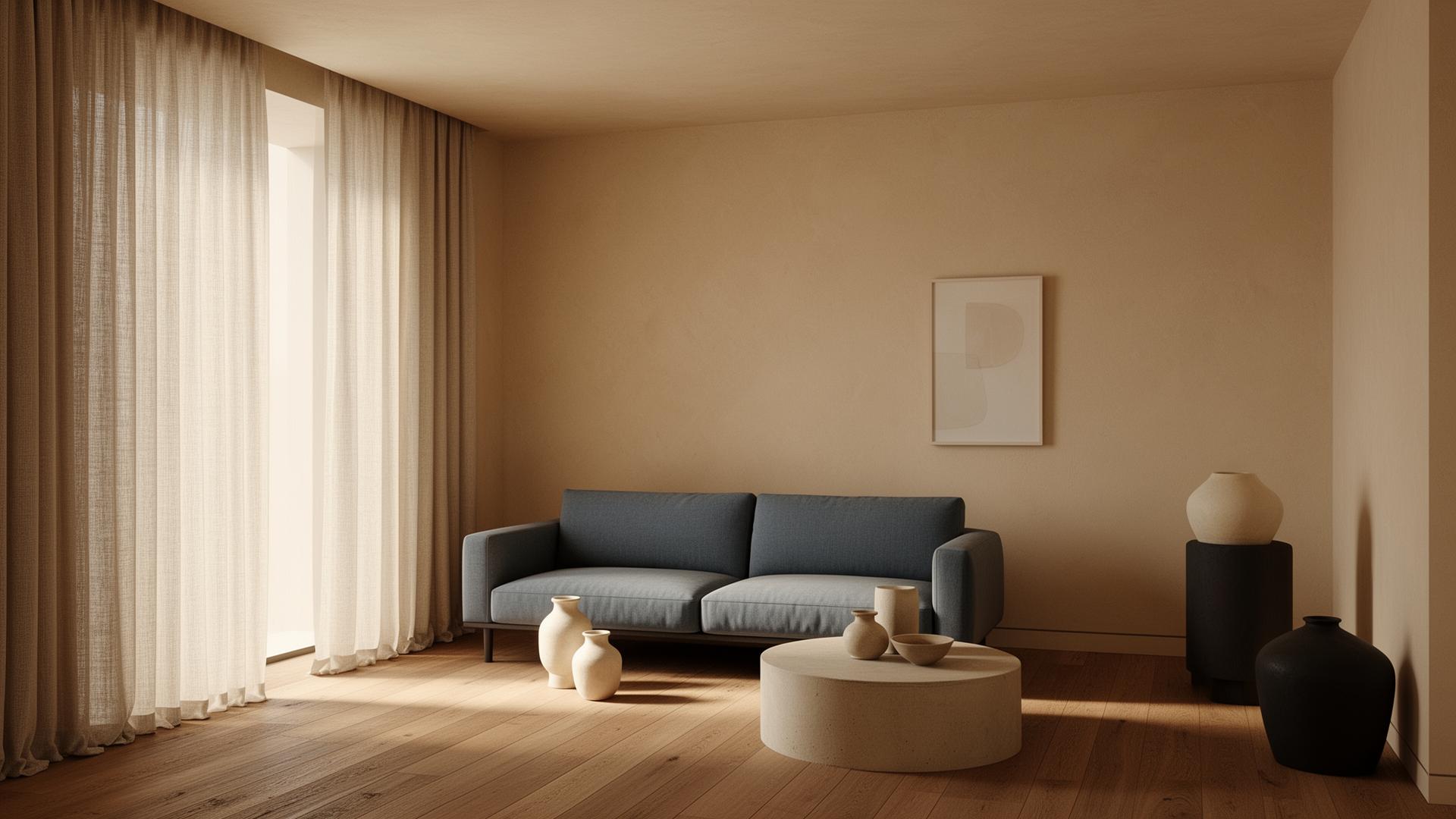
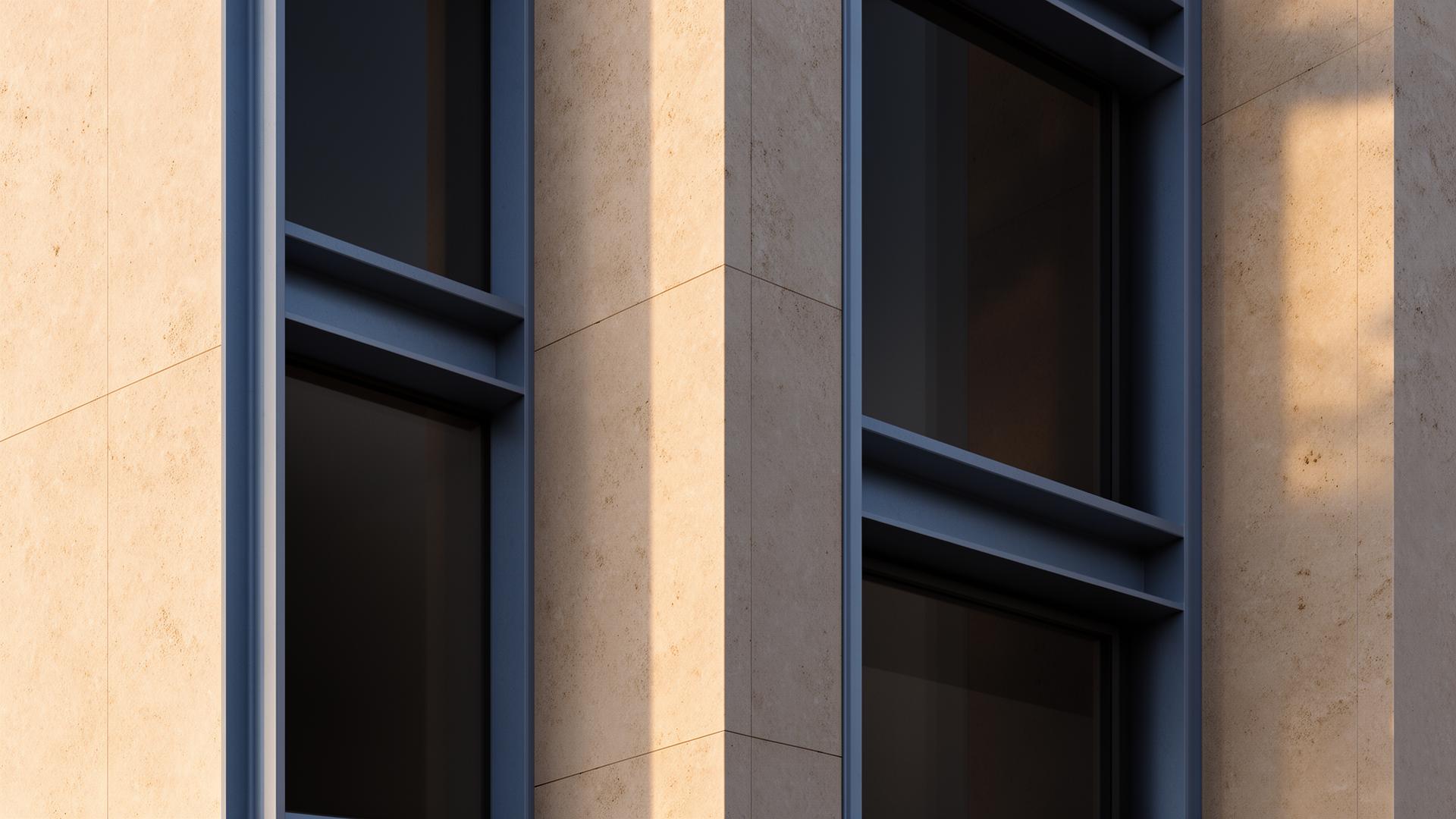
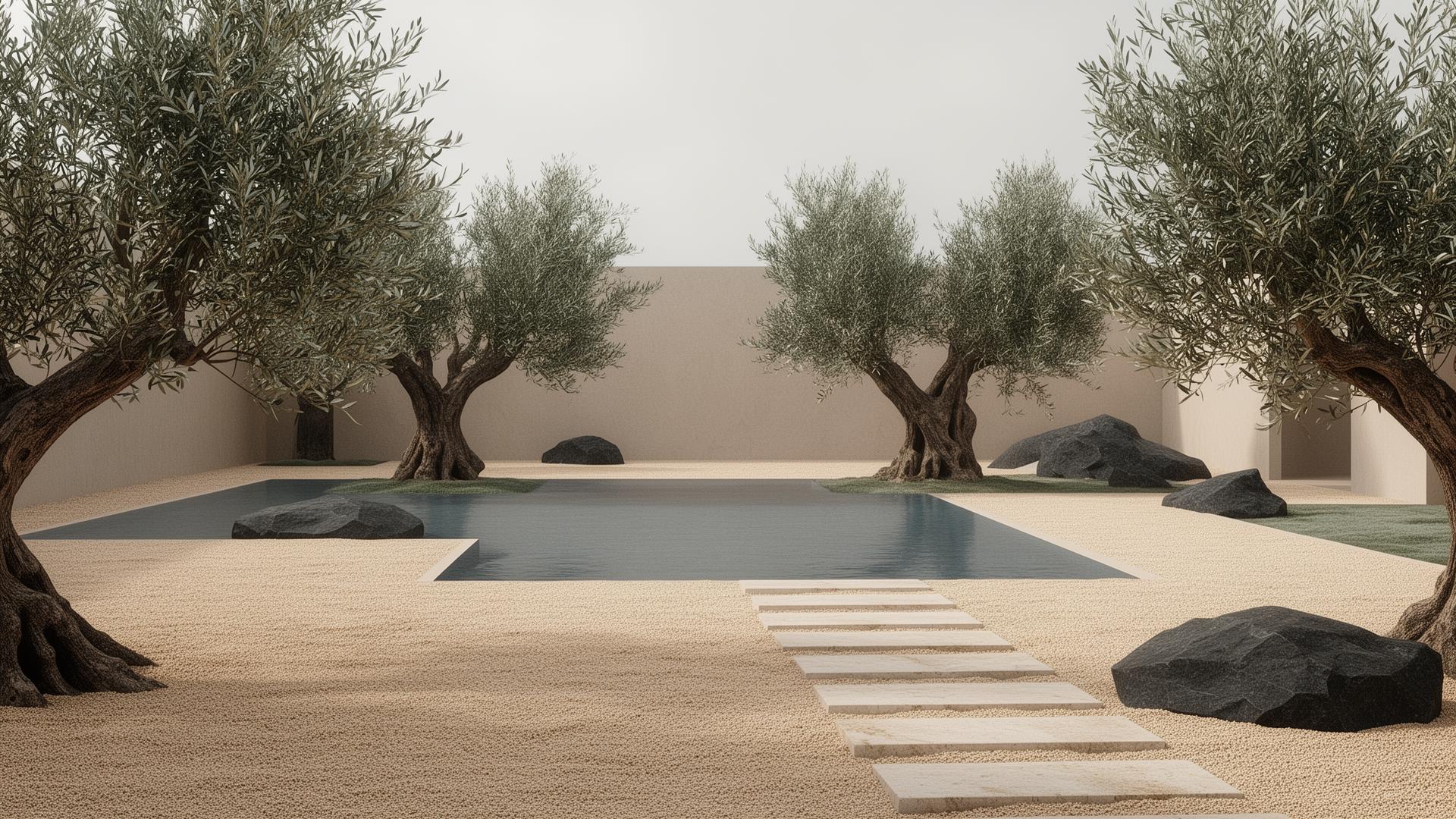
What is AI Exterior Design Enhancement?
AI exterior design enhancement uses artificial intelligence to improve the photorealism of 3D-rendered building exteriors. This includes enhancing facade materials, landscaping realism, sky and atmospheric conditions, street-level context, and overall lighting quality. The AI works with your actual architectural design — the building form, material palette, site plan, and context you've developed — and makes it look more convincingly real. It's particularly valuable for competition entries, planning submissions, and marketing materials where visual impact directly influences outcomes.


Challenges in Exterior Architectural Visualization
Exterior renders face challenges that interior scenes don't: atmospheric perspective over distance, realistic sky rendering, vegetation that doesn't look plastic, convincing ground planes with proper shadow reception, and context buildings that blend naturally. Water features, glass curtain walls reflecting the sky, weathered concrete or brick textures, and the interplay of direct sunlight with ambient sky light all add complexity. Many architects spend more time on exterior post-production in Photoshop than on the actual rendering, adding skies, adjusting colors, and compositing people and vegetation.
Why Exterior Renders Benefit Most from AI Enhancement
Exterior renders involve the most complex environmental interactions in architectural visualization. Sky conditions, sun angle, atmospheric haze, landscape vegetation, street-level context, water features, and glass curtain wall reflections all need to work together convincingly. Traditional post-production for a single exterior hero shot can take 3-5 hours in Photoshop — sky replacement, vegetation enhancement, atmosphere addition, color grading, and detail sharpening. AI enhancement handles all these improvements simultaneously, reducing post-production to minutes while delivering consistent professional quality across multiple views.
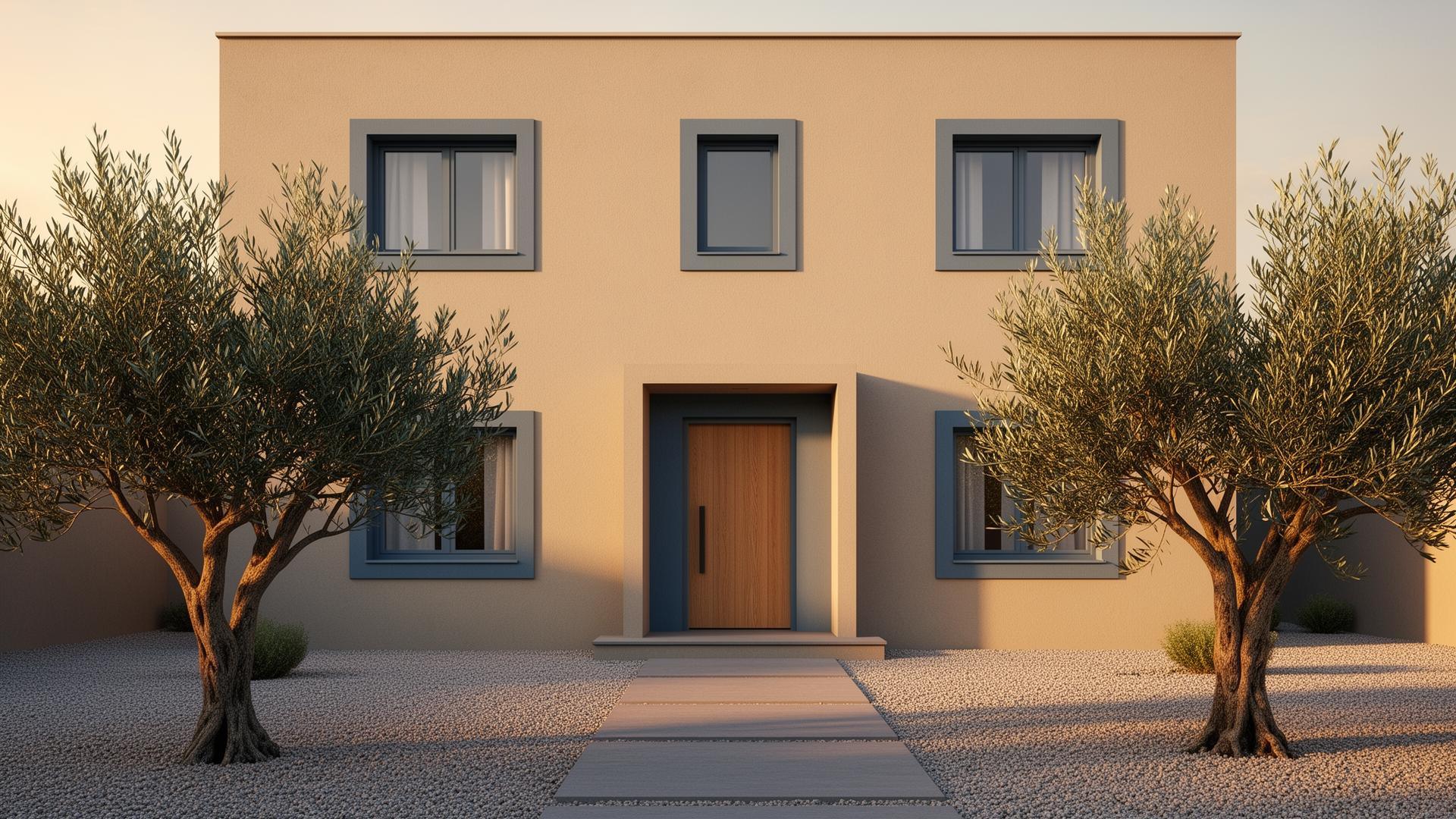
AI Enhancement for Exterior Renders
AI enhancement addresses exterior visualization challenges holistically. Rather than manually compositing sky images, adding atmosphere in Photoshop, and tweaking vegetation colors, the AI analyzes the entire scene and improves all elements simultaneously. Facade materials gain depth and weathering realism, landscaping appears more natural with varied leaf colors and ground texture, and atmospheric effects create convincing depth. The time saved is substantial — what might take 2-3 hours of Photoshop work per exterior view can be accomplished in minutes with AI enhancement.
“Exterior renders face challenges that interior scenes don't: atmospheric perspective over distance, realistic sky rendering, vegetation that doesn't look plastic, convincing ground planes with proper shadow reception,…”
Professional Exterior Rendering Workflow
The professional workflow is straightforward: render your exterior scene at medium quality from V-Ray, Lumion, Twinmotion, or D5 Render (saving 60-80% of render time compared to maximum settings), then enhance with vaethat. The AI intelligently improves facade material definition, adds atmospheric depth, enhances vegetation realism, and refines lighting — all while preserving the geometric precision of your architectural model. Studios typically process multiple exterior angles in the time it would take to manually post-produce a single view.
Exterior Rendering for Competitions and Planning Applications
Competition entries and planning submissions demand high visual impact across multiple exterior views — often 6-12 images per project. At 3-5 hours of manual post-production per image, this represents 2-3 full working days just for exterior visualization finishing. AI enhancement reduces this to under an hour for the entire set, freeing architects to focus on design development and presentation narrative. The consistency of AI-enhanced results also ensures a cohesive visual language across all submission images.
Best Practices for AI-Enhanced Exterior Visualization
For optimal results with AI exterior enhancement, ensure your 3D model has accurate material assignments and reasonable vegetation placement. The AI can improve how materials look but works best when the underlying geometry and material mapping are solid. Render at medium quality with basic environmental settings — the AI will enhance atmospheric effects, so you don't need to spend time on perfect sky rendering or atmospheric scattering in your render engine. This workflow optimization allows studios to produce more exterior views per project within the same timeframe.
How vaethat Helps with Exterior Visualization
vaethat's AI is trained specifically on architectural exterior renders, understanding the unique demands of facade materials, landscape vegetation, atmospheric perspective, and sky-to-building light interaction. Upload your exterior render and receive enhanced results in under 2 minutes — no Photoshop compositing required. The AI handles sky improvement, vegetation realism, facade material depth, and atmospheric effects simultaneously. For firms producing competition entries or planning submissions with 6-12 exterior views, vaethat processes the entire set in minutes instead of days.
Frequently Asked Questions
Can AI generate exterior building designs?
AI can generate conceptual building images, but they lack the precision needed for real architectural projects — accurate dimensions, structural feasibility, code compliance, and site-specific context. AI enhancement tools like vaethat improve your actual architectural renders rather than generating new designs.
Does AI exterior enhancement add realistic skies?
AI enhancement improves the overall atmospheric quality of your render, including sky appearance. However, for best results, include a basic sky in your original render as a starting point for the AI to enhance.
How does AI handle landscaping in exterior renders?
The AI enhances vegetation realism — improving leaf textures, adding color variation, and making trees and plantings look more natural. It works with whatever vegetation you've placed in your 3D scene.
Is AI enhancement suitable for planning submissions?
Yes. Since AI enhancement preserves your original design exactly — building form, materials, context — the enhanced renders are accurate representations of your proposal, suitable for planning applications and client approvals.
Does AI exterior rendering change my building design?
No. AI enhancement preserves your architectural design exactly — building form, facade materials, window patterns, and site layout remain unchanged. The AI only improves visual quality aspects like material realism, atmospheric effects, and lighting.
How does AI handle glass facade reflections in exterior renders?
The AI is trained on architectural renders with various glass and curtain wall configurations. It enhances reflections to appear more natural while preserving the transparency and reflectivity ratios from your original render settings.
Ready to put this into practice? Try vaethat to AI render enhancer in one click, no prompts, no Photoshop.