The Challenge of Realistic Landscape Visualization
Landscape renders are uniquely difficult because nature is inherently complex and irregular. A single tree contains thousands of leaves, each catching light differently. Ground cover varies in color, density, and texture. Water features require accurate reflection, refraction, and caustic calculations. Pathways and hardscaping interact with organic elements at irregular borders. Traditional rendering engines approximate these details, but achieving true photorealism requires extensive render times or labor-intensive Photoshop compositing. AI enhancement bridges this gap by intelligently improving the organic elements that rendering engines struggle with most.


How AI Improves Vegetation in Renders
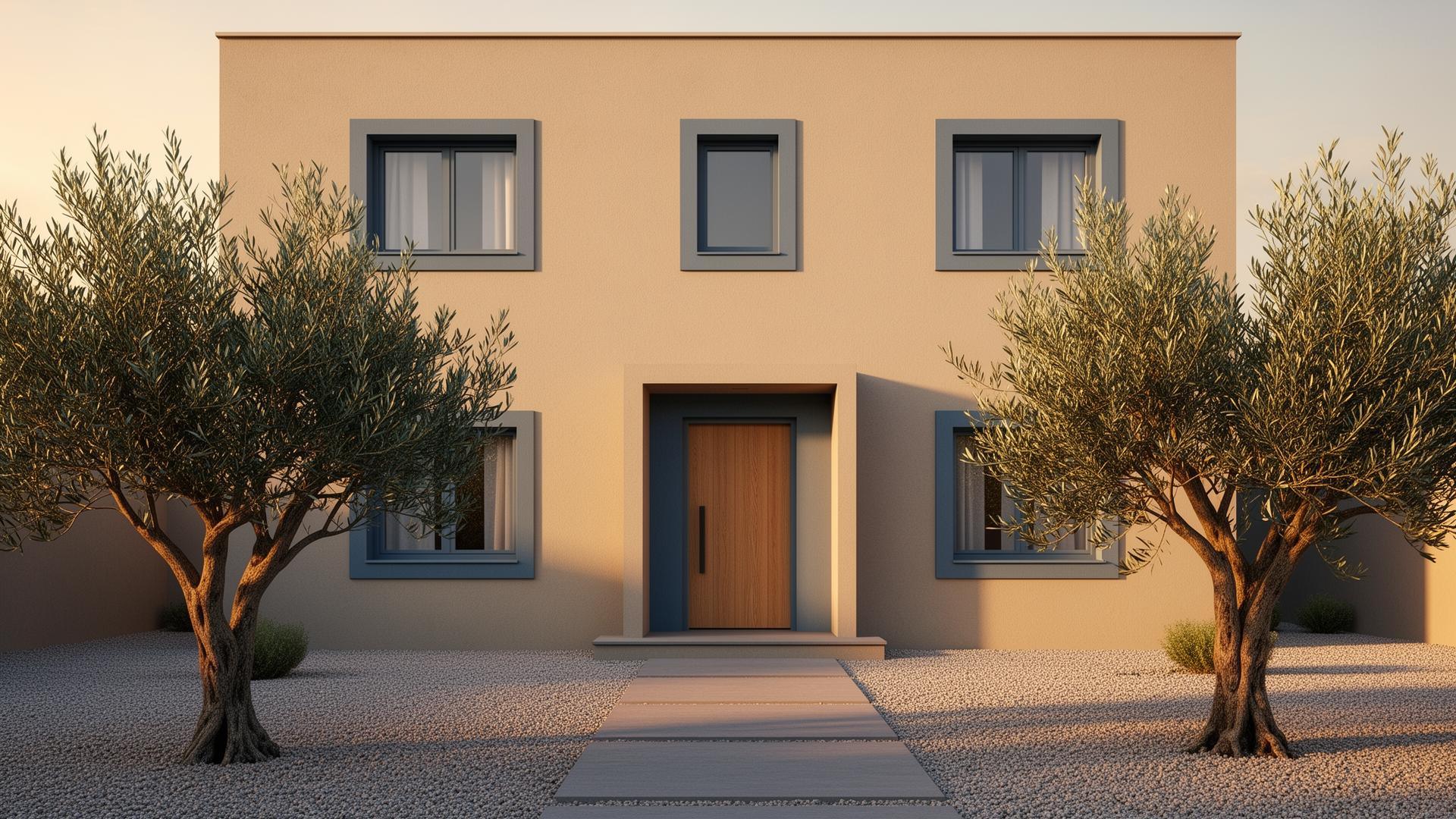
Vegetation is the single biggest quality differentiator in landscape renders, and it's where AI enhancement delivers the most dramatic improvements. The AI adds natural color variation to foliage — no two leaves look identical in reality, and the AI introduces this subtle randomness. Grass and ground cover gain realistic density variation and color gradients. Tree bark textures become more detailed and weathered. Flowering plants show more convincing petal translucency. These improvements are difficult to achieve through render settings alone and would require extensive Photoshop work to accomplish manually.
Water Features and Hardscaping Enhancement
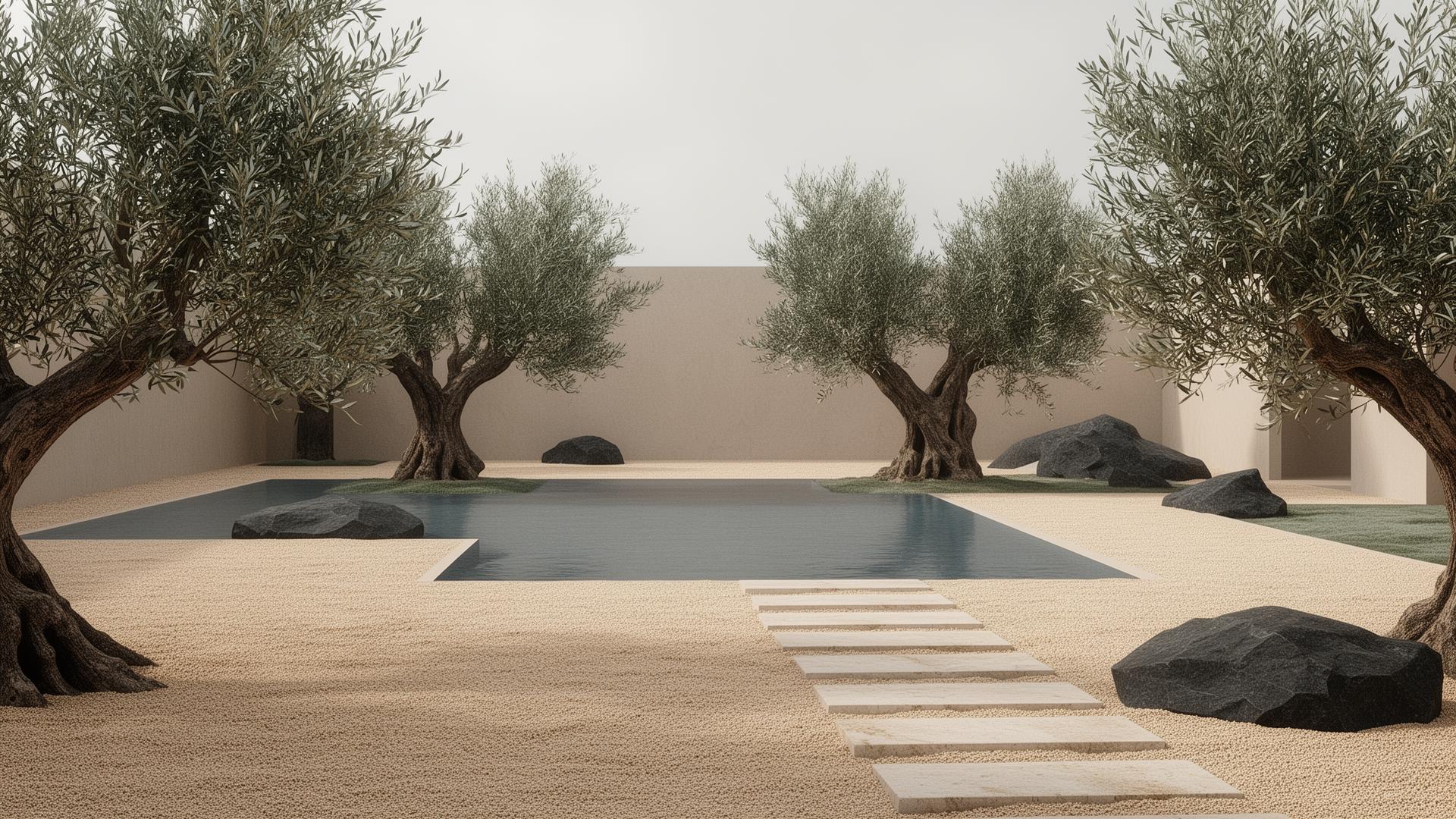
Water features in landscape renders — pools, fountains, streams, ponds — benefit significantly from AI enhancement. The AI improves water surface reflections, adds convincing caustic patterns, and enhances the transparency-to-reflection balance that makes water look real. Hardscaping elements like stone pathways, wooden decking, and concrete patios gain material depth and weathering texture. The transition zones between hardscape and landscape — where gravel meets lawn, where pavers adjoin planting beds — are refined to look naturally integrated rather than digitally placed.
Professional vs. Consumer AI Landscape Tools
Consumer AI landscape tools generate garden designs from text prompts or photo uploads — creating conceptual images that may inspire homeowners but lack the precision landscape architects need. They don't understand specific plant species, drainage requirements, grading specifications, or hardscape material palettes. Professional AI enhancement tools like vaethat work with your actual landscape design render — your specific planting plan, your chosen paving materials, your exact grading and drainage solutions — and make the visualization photorealistic without altering any design specifications. This accuracy is essential for client approvals and contractor documentation.
“Vegetation is the single biggest quality differentiator in landscape renders, and it's where AI enhancement delivers the most dramatic improvements.”
Seasonal Landscape Rendering with AI Enhancement
Landscape architects often need to show designs across multiple seasons — spring blooms, summer fullness, autumn color, and winter dormancy. Rendering four seasonal variations of the same design multiplies visualization workload by four. AI enhancement makes this practical: render each seasonal variant at medium quality (adjusting vegetation colors and density in your 3D model) and enhance with vaethat. Each season's unique lighting quality, vegetation character, and atmospheric conditions are preserved and improved. The AI handles autumn leaf color variation, summer shadow depth, spring blossom translucency, and winter branch structure with equal effectiveness.
Professional Landscape Rendering Workflow with AI
For landscape architects and designers, the AI-enhanced workflow starts with your 3D model or landscape design software output. Render the scene with your vegetation assets placed and basic lighting established. Don't over-invest in vegetation quality settings in your render engine — the AI will enhance these elements. Upload to vaethat and enhance. The AI processes the entire landscape scene, improving vegetation, ground textures, sky integration, water features, and atmospheric depth simultaneously. For master plan visualizations requiring aerial views, garden close-ups, and path-level perspectives, batch processing handles the entire set efficiently.
How vaethat Helps with Landscape Visualization
vaethat excels at the specific challenges of landscape visualization — enhancing organic vegetation, refining water feature realism, improving ground texture variety, and adding atmospheric depth that makes outdoor scenes feel real. Upload your landscape render from Lumion, Twinmotion, V-Ray, or any engine, and the AI simultaneously improves all organic elements while preserving your hardscape material selections and planting design. For landscape firms producing seasonal variants, master plan aerials, and garden detail views, vaethat processes entire project sets in minutes instead of days of Photoshop compositing.
Frequently Asked Questions
Does AI enhancement add plants or vegetation to renders?
No. AI enhancement improves the visual quality of vegetation already in your render — it doesn't add new plants or modify the landscape design. Place your vegetation in the 3D model, and the AI makes it look more photorealistic.
Can AI improve aerial landscape master plan renders?
Yes. AI enhancement works well on aerial views, improving the overall landscape texture, vegetation patterns, and atmospheric perspective that gives aerial renders depth and realism.
How does AI handle seasonal landscape renders?
The AI preserves the seasonal character of your render — autumn foliage stays warm-toned, winter scenes maintain their cool palette, spring gardens keep their fresh colors. The enhancement improves realism within whatever seasonal setting you've established.
Is AI landscape enhancement suitable for client presentations?
Absolutely. AI-enhanced landscape renders are professional quality and suitable for client presentations, planning submissions, and marketing materials. The enhancement preserves your design accurately while elevating visual quality.
What is the best AI tool for landscape rendering?
For professional landscape visualization, vaethat is designed for architectural renders including outdoor scenes. Consumer AI garden generators create conceptual images but can't work with your specific planting plans, grading, and hardscape material selections.
Can AI improve renders with complex water features?
Yes. AI enhancement improves water surface reflections, transparency, and caustic patterns. Pools, fountains, streams, and ponds all benefit from more realistic water behavior in the enhanced output.
Ready to put this into practice? Try vaethat to upscale your exterior renders in one click, no prompts, no Photoshop.